EasyManua.ls Logo

AVMATRIX PVS0605 - PIP and POP

AVMATRIX PVS0605
22 pages
Print Icon
To Next Page IconTo Next Page
To Previous Page IconTo Previous Page
Loading...
www.avmatrix.net
14
4.5 PIP and POP
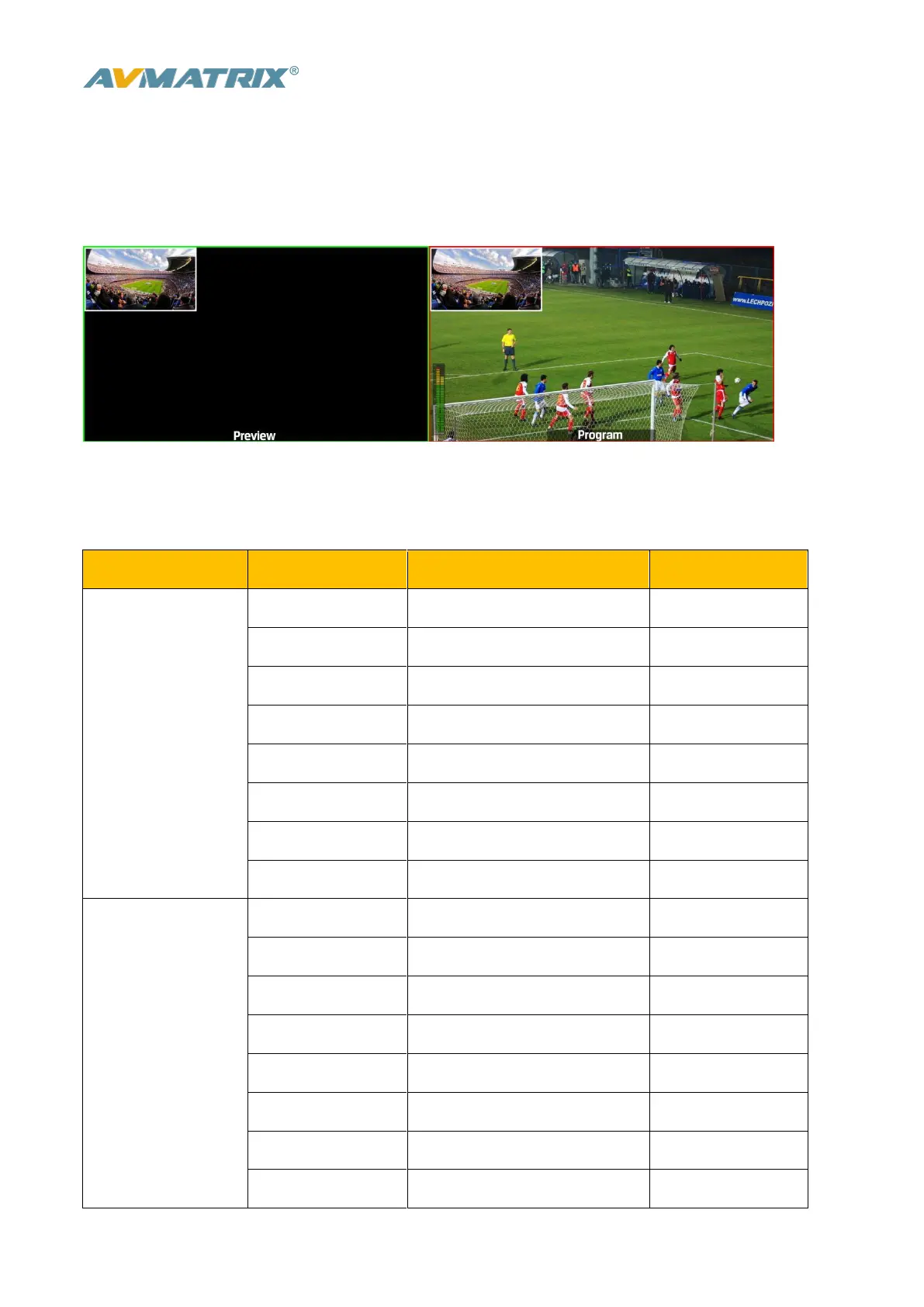
When the T-Bar located at B-BUS to active the PIP/POP, there will be a small image display on the top left
corner of the PVW window as following image:
Press button 1-6 from PVW row to switch the video source of PIP/POP.
When press PIP/POP button the menu will get into an interface as below image. The window size,
position and border of PIP can be set from menu by the knob.

Main Menu
Secondary Menu
Option
Default
PIP
Window
1
1
H Position
0
0
V Position
0
0
Size
Small/ Medium /Large
Small
Border Enable
On/ Off
On
Border Width
2~7
2
Border Color
White/ Red/ Blue/ Green
White
Exit
POP
Window
1~2
1
H Position
0
0
V Position
0
270
Size
Border Enable
On/Off
On
Border Width
2~7
2
Border Color
White/ Red/ Blue/ Green
White
Exit

Related product manuals