7. Set the MicroZed boot mode (JP3-JP1) jumpers to SD card mode as described in the Hardware
Users Guide.
Figure 5 – SD Card Boot Jumper Settings
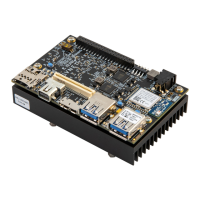
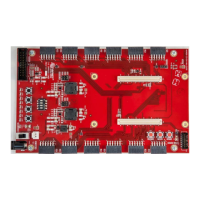
8. Insert the MicroZed module onto the IOCC.
9. Set the VCCIO_34 (CON3) and VCCIO_35 (CON4) jumpers to 3V3. Make sure the IOCC power
switch is in the OFF position.
10. Insert the appropriate country plug into the face of the 5V AC/DC adapter. Plug it into the CON2
barrel jack.
11. We will be using a micro-USB cable to communicate through a terminal, but this will be plugged
in a bit later.


 To Next Page