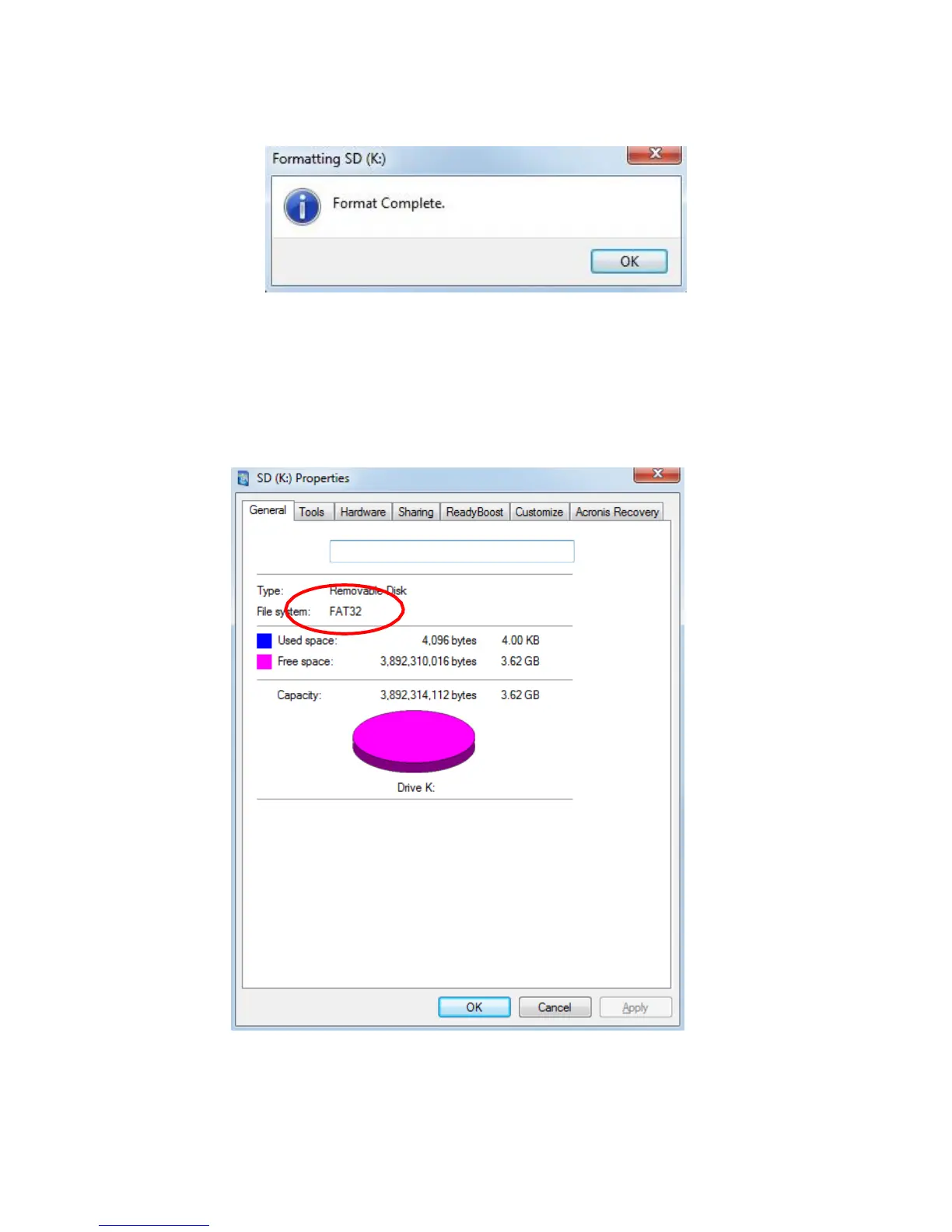
7. If all goes well, you will get a message stating Format Complete. Click OK.
Figure 13 – Format Complete
8. Click Close in the Format dialog box.
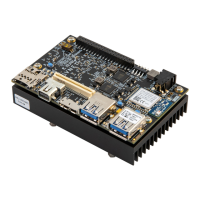
9. To double-check your card, right-click on the drive in Windows Explorer and select Properties.
Notice the File system displayed as FAT32. Click OK to close.
Figure 14 – Properties of the microSD Drive


 To Next Page