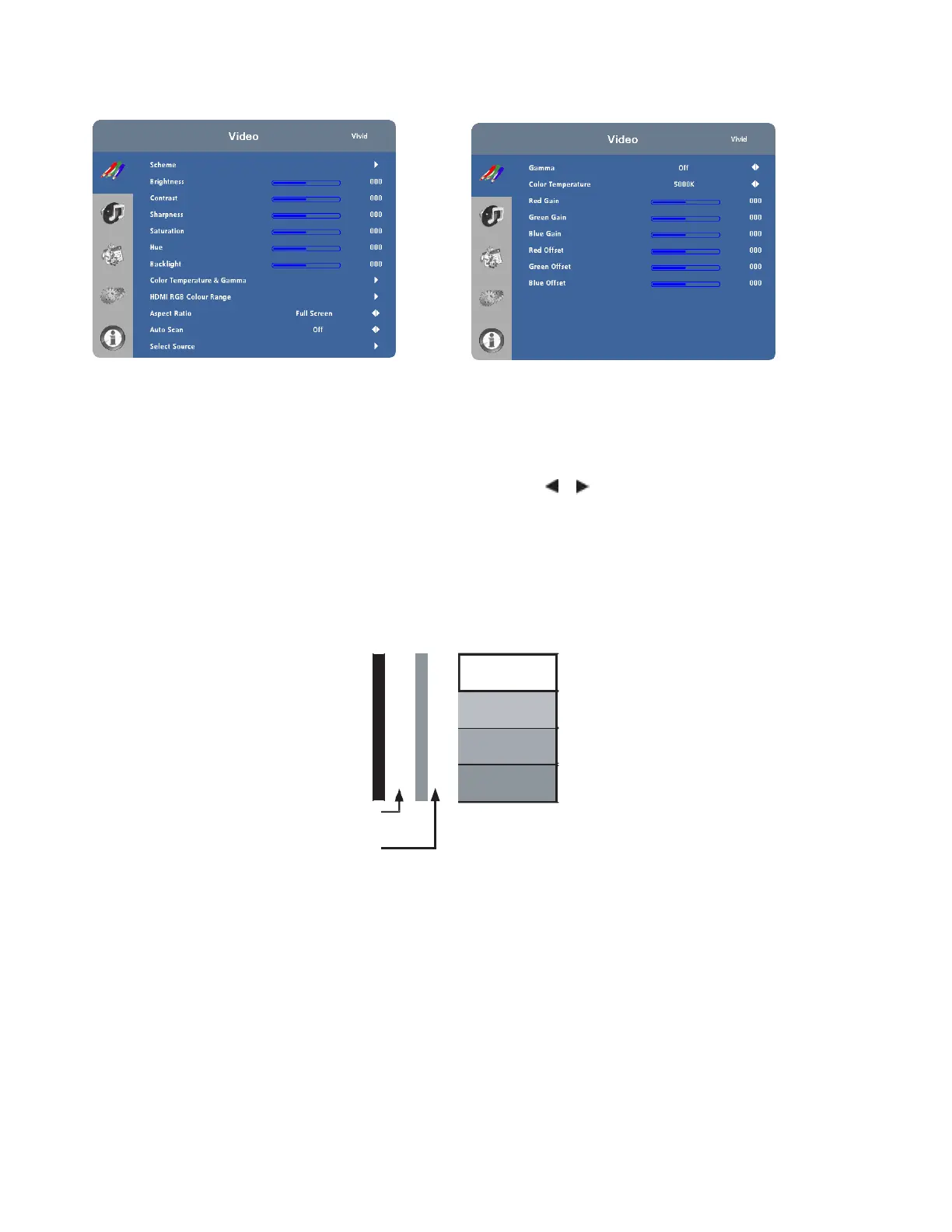
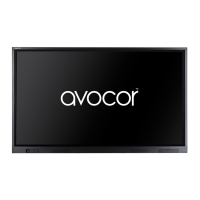
Video Settings
Use the controls in the Video Settings Menu to calibrate each display input to achieve optimum picture quality.
Connect your test pattern source to the input that you are calibrating and proceed as follows.
Perform the adjustments in the order listed here.
Scheme: Select Scheme from the Video Settings menu, then press or to select one of four image quality presets
(Vivid, Cinema, Game or Sport) depending on the type of program material you are viewing. These presets
automatically adjust the other image settings for optimal image quality. Or, select User to adjust Brightness, Contrast
and other settings manually.
Brightness: On your external test pattern source, select a PLUGE pattern. (PLUGE is an acronym for “Picture Line-Up
Generation Equipment.”) Figure 4-2 shows a typical PLUGE pattern.
Below Black
Above Black
Figure 4-2. Typical PLUGE Pattern for Adjusting Brightness
PLUGE patterns vary but generally consist of some combination of black, white and grey areas against a black
background. The example above includes two vertical bars and four shaded boxes.



 To Next Page