Functions & Setup
of the Transmitter Cont.:
Test Pattern Generator:
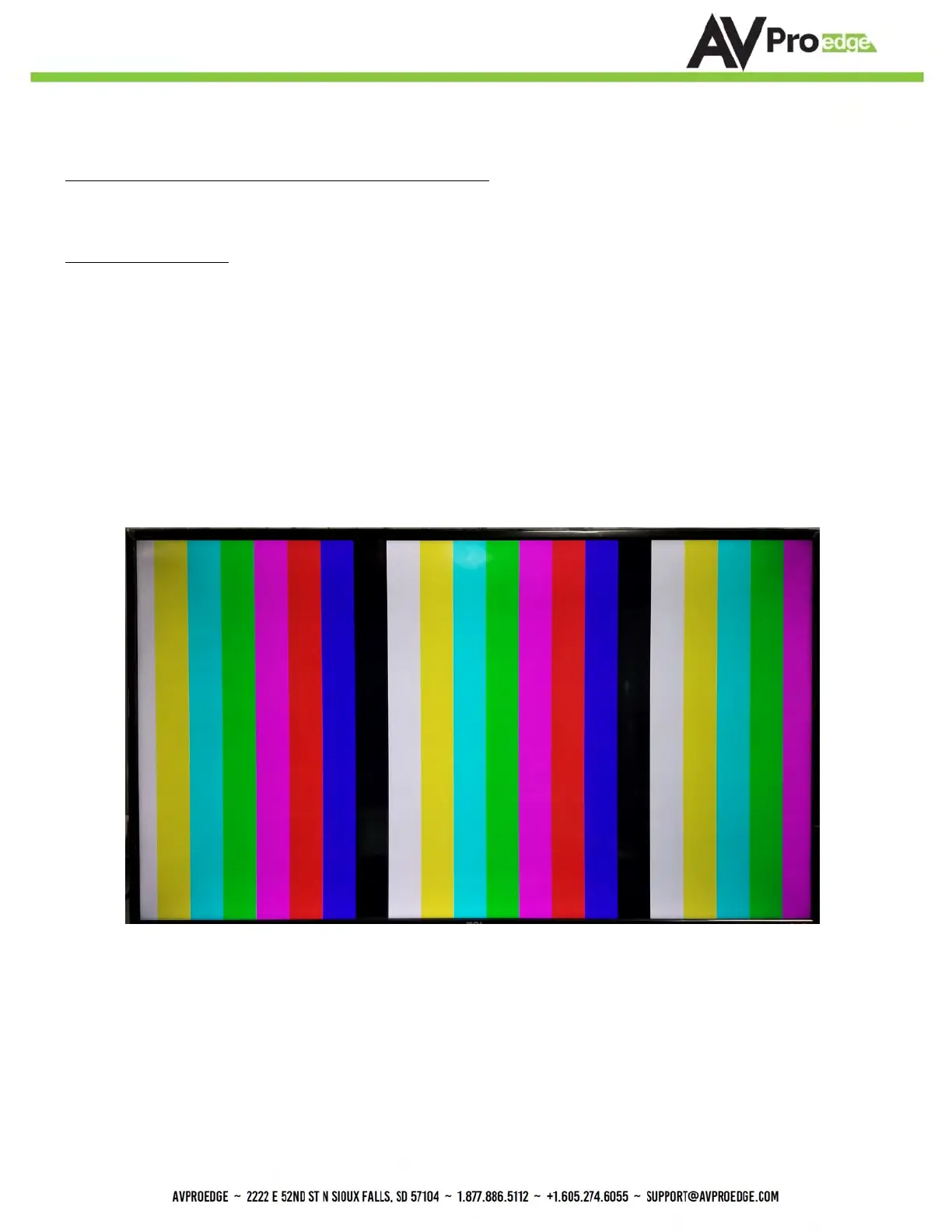
Press and hold the setting button (for 4 seconds) while powering up the transmitter. You should see the color bar
pattern to the right on screen. When in this mode, you can quick press to toggle the resolution.
Quick press the setting button---Select the test pattern timing
• 1080P --- LED Flashes 1 Time (3 sets of color bars)
• 4K --- LED Flashes 2 Times (5 sets of color bars)
This can be useful for checking your cabling and for troubleshooting. You can also ensure you have
sufficient distance based on the resolution as well.


 To Next Page