Step 6
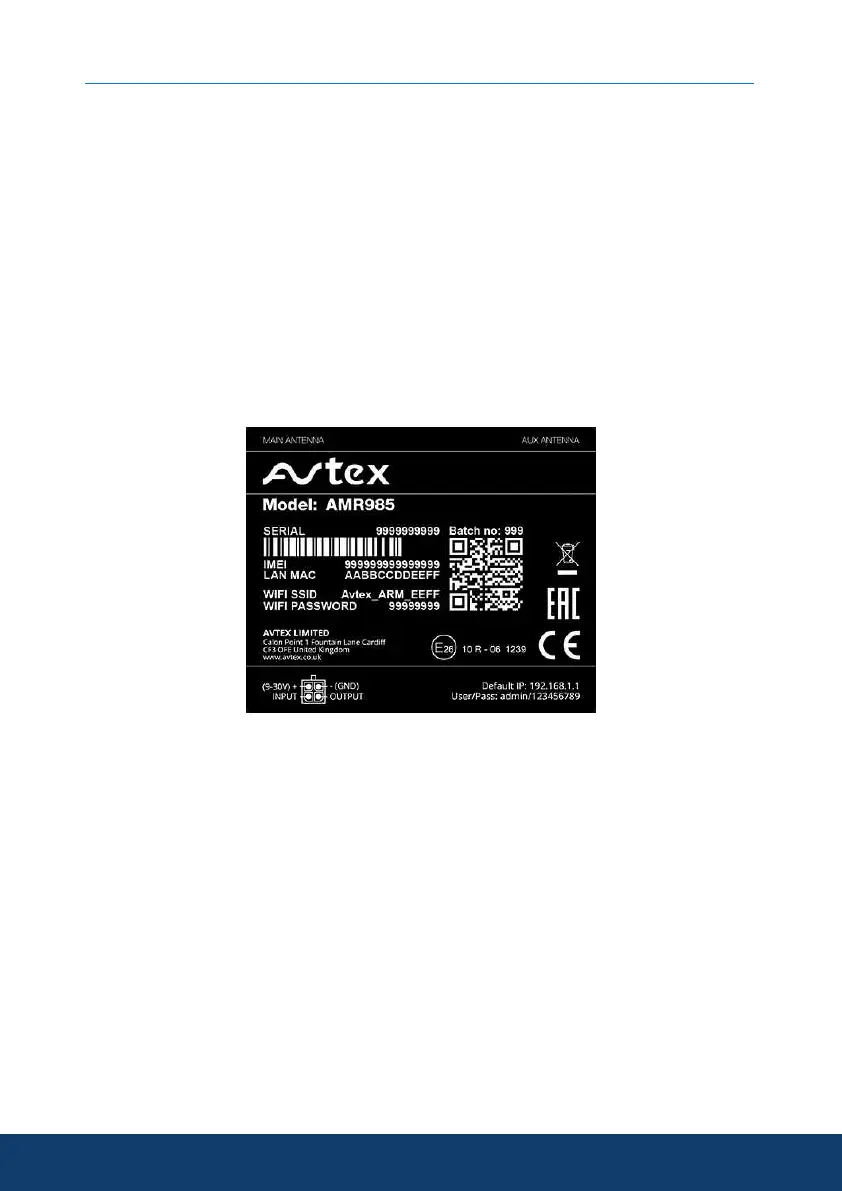
The WiFi SSID is the network that will be visible when you search with
any compatible WiFi device, the WiFi password is the unique password
for your AMR985.
The SSID and password are written on both sides of the AMR985.
(We recommend keeping a confidential record of the password, SSID, IP
address, device serial number and password for your reference and logging
on extra devices in the future).
Please Note: Your AMR985 can have up 100 separate devices connected at
any time, but too many devices logged onto the router can slow down
performance and use extra data.
10


 To Next Page