46
DVB OPERATION
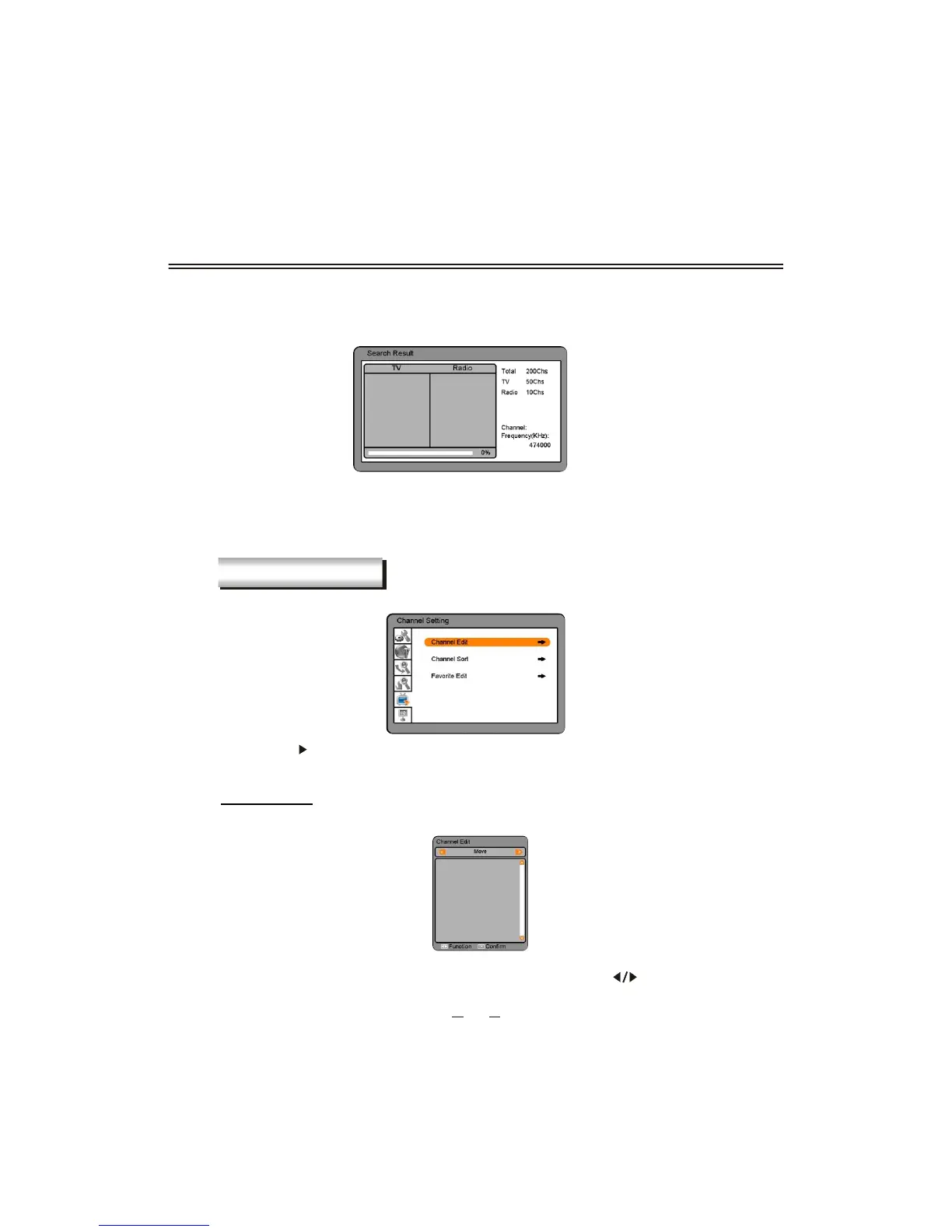
After finishing all the setting above ,select the Search item to start searching.
The searching result will be displayed in the Search Result window.
Note: If you press the [DVB MENU] button during searching, the operation is stopped and
the channels found until then will be saved.
If search operation is successfully completed, and the channel does not exist, try to
reset the search operation again if necessary.
CHANNEL SETTING
This chapter describes how to edit channels.
Note: Press [ ] or [OK] button to enter the following menu. Press the [DVB MENU] button
to return to the previous menu.
Channel Edit
You can edit all channels in the Channel list.
Note: Select the different edit modes(delete and move) using the the [ ] button.


 To Next Page