• BLUE displays the list of your favorite
channels.
In order for you to add certain channels to this
Favorites
list
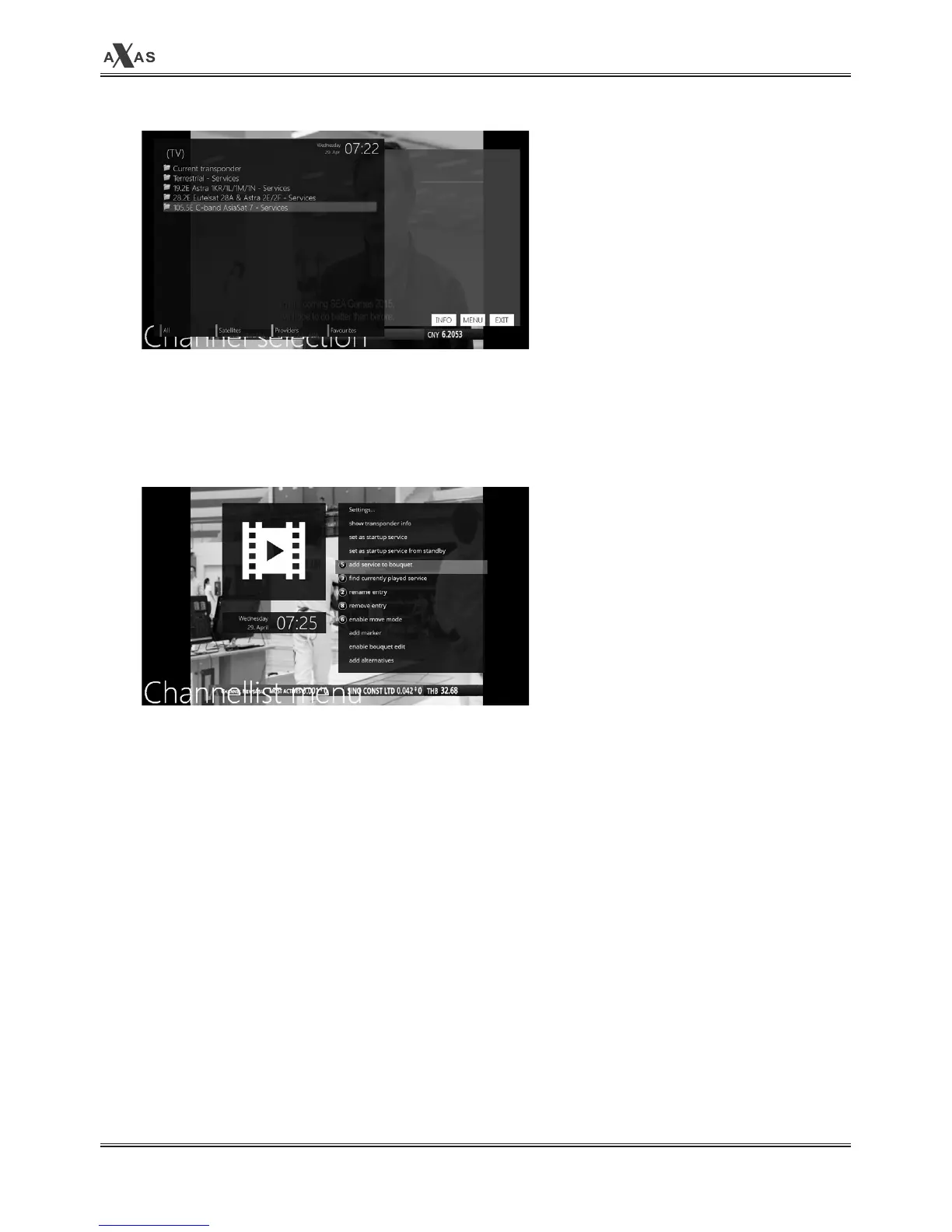
① Call up the
Channel Selection
list by pressing UP or DOWN key.
② Go to ALL list by pressing RED Key.
③ Select the channel that you want to add to the
Favorites
list.
④ Press MENU key on the selected channel and the following menu appears.
⑤ Choose
“add service to favorites”
and press OK.
⑥ Go to the Favorites list by pressing BLUE to confirm that the selected channel is correctly
included in the list.


 To Next Page