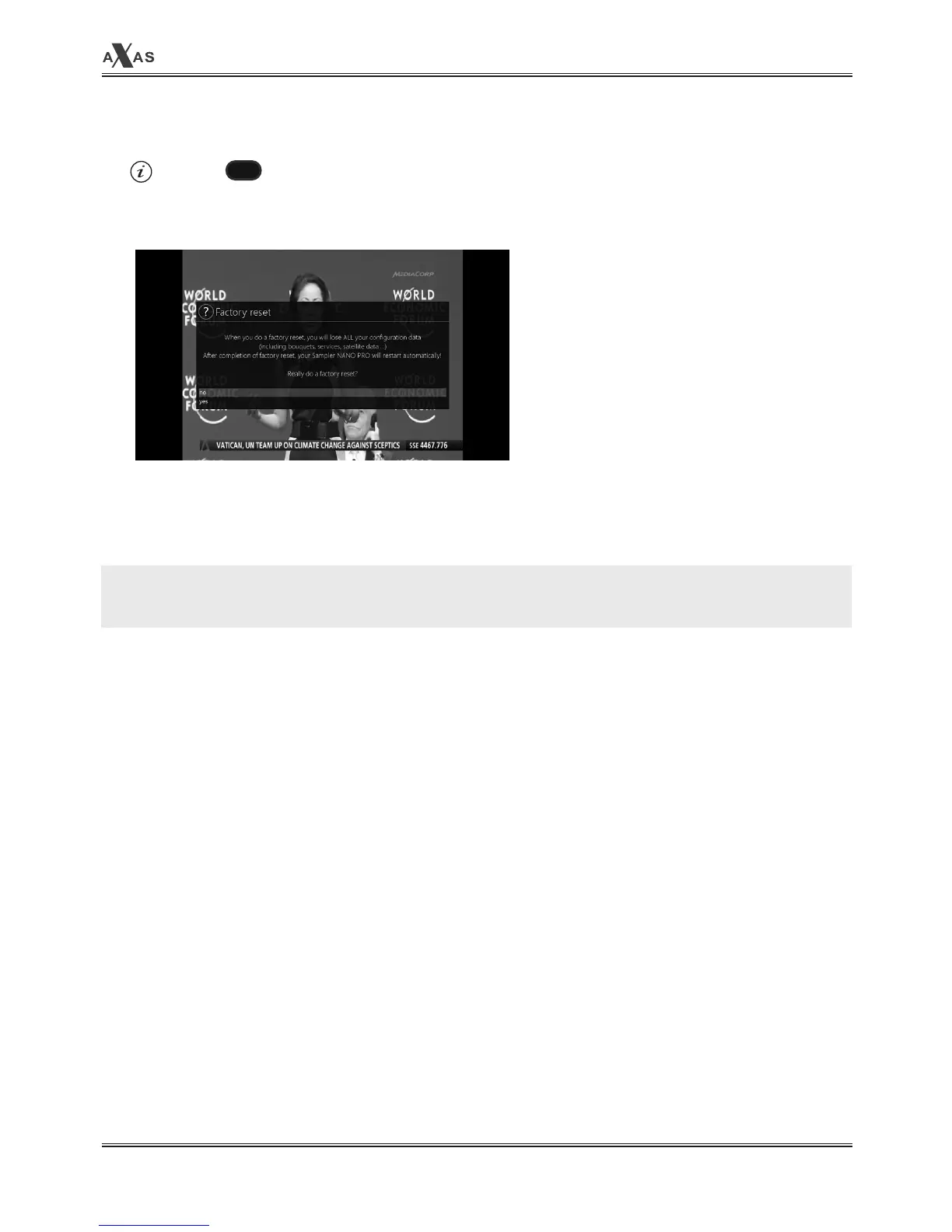
2. Factory Reset
[ : MENU > Setup > Factory Reset]
If you want to erase all installed service list as well as configurations, run the
Factory Reset
process.
Select
YES
in the below menu to run the factory reset.
Upon the completion of factory reset process, your receiver will reboot automatically and start the
First Time Installation
process.
NOTE: If you do this factory reset, all of your configuration data including bouquets, service lists,
satellite parameters and so on will be erased.
MENU


 To Next Page