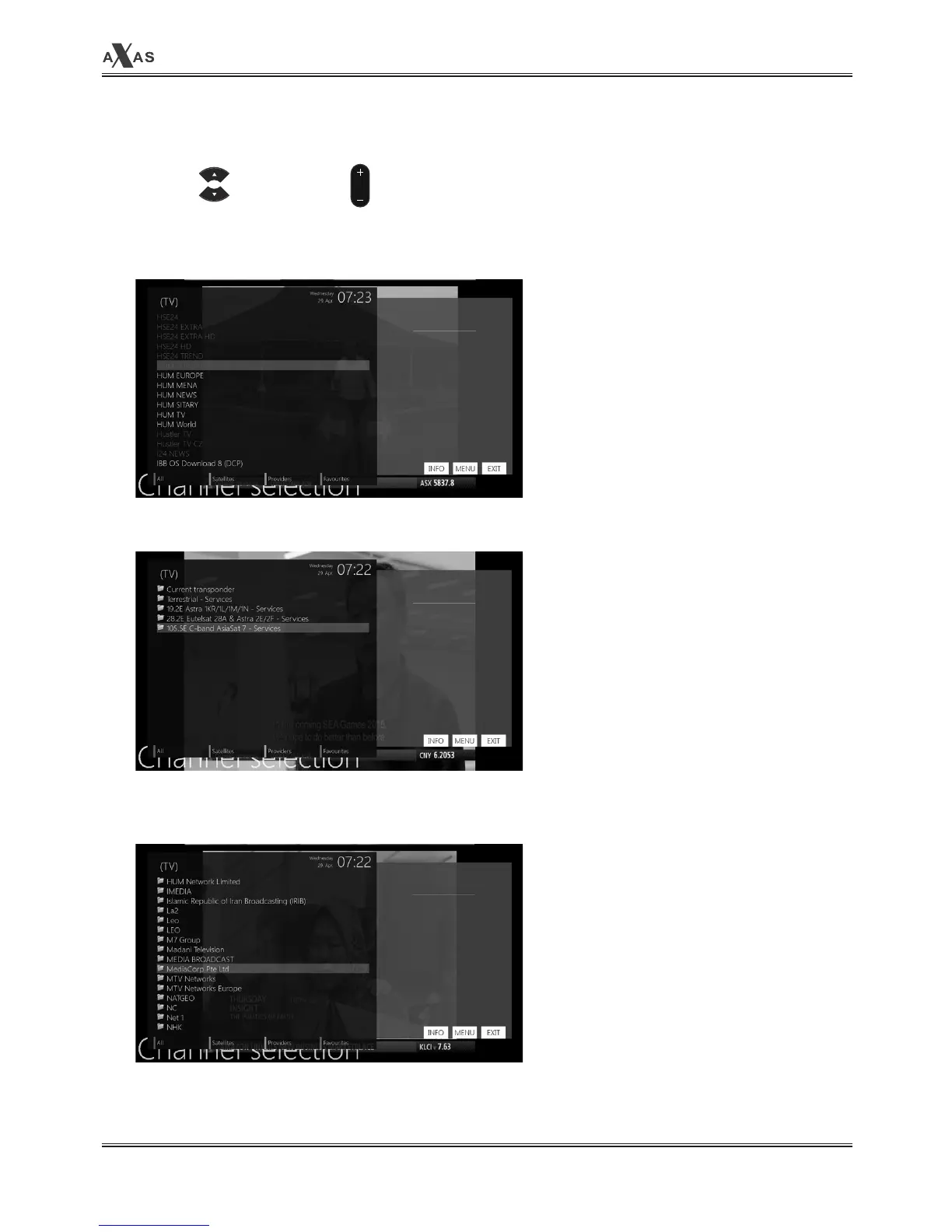
2. Channel List (Channel Selection Menu)
[ⓘ: Press , CHANNEL key]
If press UP/DOWN key, this will activate
Channel Selection
Menu as below.
Four types of the channel lists are avail-
able to help you manage your channel
selection.
• RED displays the list of all scanned
channels.
• GREEN displays the list of all satellites
scanned.
Per each satellite, channels are arranged ac-
cording to
Services, Provider
, and
New.
• Yellow displays the list of providers.
CH


 To Next Page