AXEM Technology
11 rue Auguste Perret, 94042 Créteil, FRANCE – info@axemtec.com – +33 (0)1 41 94 11 85 – www.axemtec.com
Siret : 45071140300045 - APE : 4652Z - RCS : CRETEIL 450711403 - N° TVA intracom : FR05450711403 - Capital : 500 000,00 €
Fichier : AT-07 tablet user guide20190423_AT-
07_user_guide AT-07 tablet
Protect the tablet from dust and water.
Set functions of the program.
Quickly go main page main page.
To indicate the device status
To connect with the jacket
Scan window of ultra-high
frequency scanning area
It is used for scanning ultra-high frequency card.
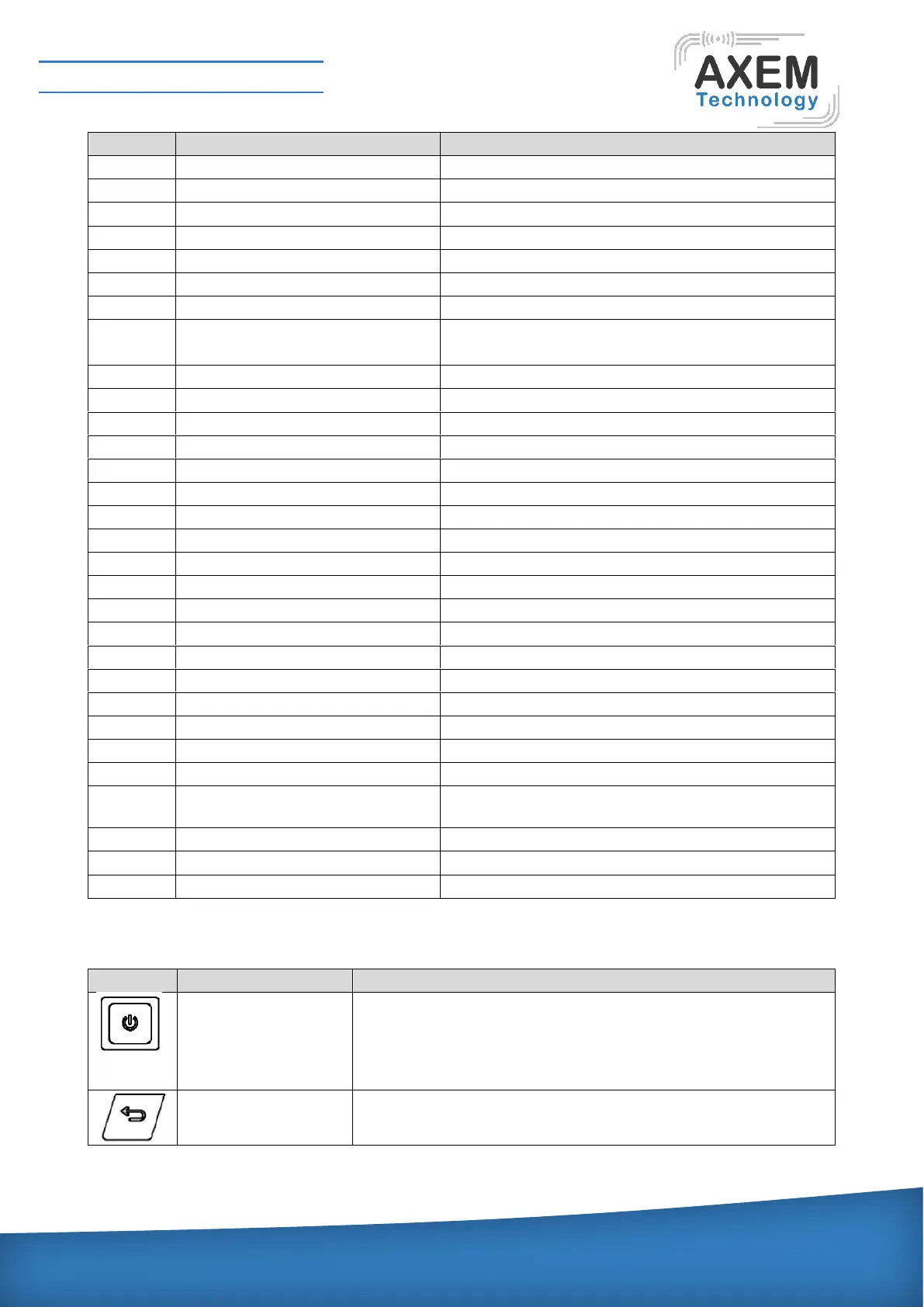
Under power-on state, shortly pressing the button can close or
light the screen; long pressing the button can pop up an
operating menu of "Phone Options". Under power-on state, long
pressing the button can close the tester.
Return back to the previous page.


 To Next Page