AXEM Technology
11 rue Auguste Perret, 94042 Créteil, FRANCE – info@axemtec.com – +33 (0)1 41 94 11 85 – www.axemtec.com
Siret : 45071140300045 - APE : 4652Z - RCS : CRETEIL 450711403 - N° TVA intracom : FR05450711403 - Capital : 500 000,00 €
36/46
Main features are described as below:
4.4.1.1 Recognition:
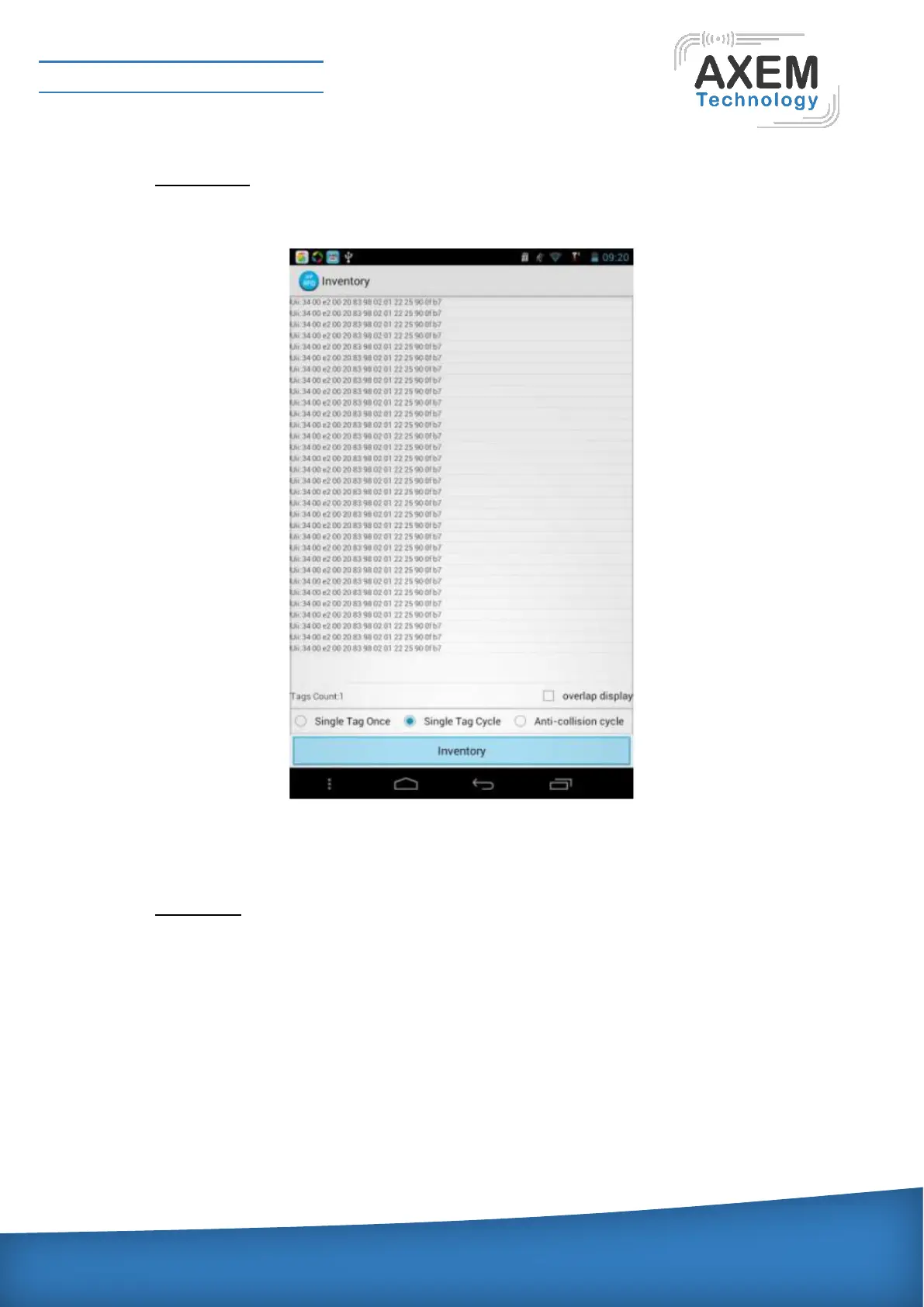
Click the "recognition", enter recognition interface, and then click counts. When the device correctly
identify the card will display the card data. Recognition interface is shown as follows:
Single label each time identifies one single label looply identifies continuous recognitional label, Loop
identification to prevent collisions is suitable for a lot of labels. After the user select ”overlapping display”,
it will be merge and show all information in the display area, the number of occurrences is given.
4.4.1.2 Data Read:
Read specified label or any label, In addition to high distribution module can also specify the
matching conditions. Click Find, and can automatically find identification card within the region,
access password is eight hexadecimal random numbers and combinations of numbers and letters,
initially eight zero (do not rule out a special white card with other values). Read data in word units,
set to be read Bank, the starting position and the number of reads, you can click the Read button to
read. Data read interface is shown as below:



 To Next Page