AXEM Technology
11 rue Auguste Perret, 94042 Créteil, FRANCE – info@axemtec.com – +33 (0)1 41 94 11 85 – www.axemtec.com
Siret : 45071140300045 - APE : 4652Z - RCS : CRETEIL 450711403 - N° TVA intracom : FR05450711403 - Capital : 500 000,00 €
37/46
4.4.1.3 Data Write:
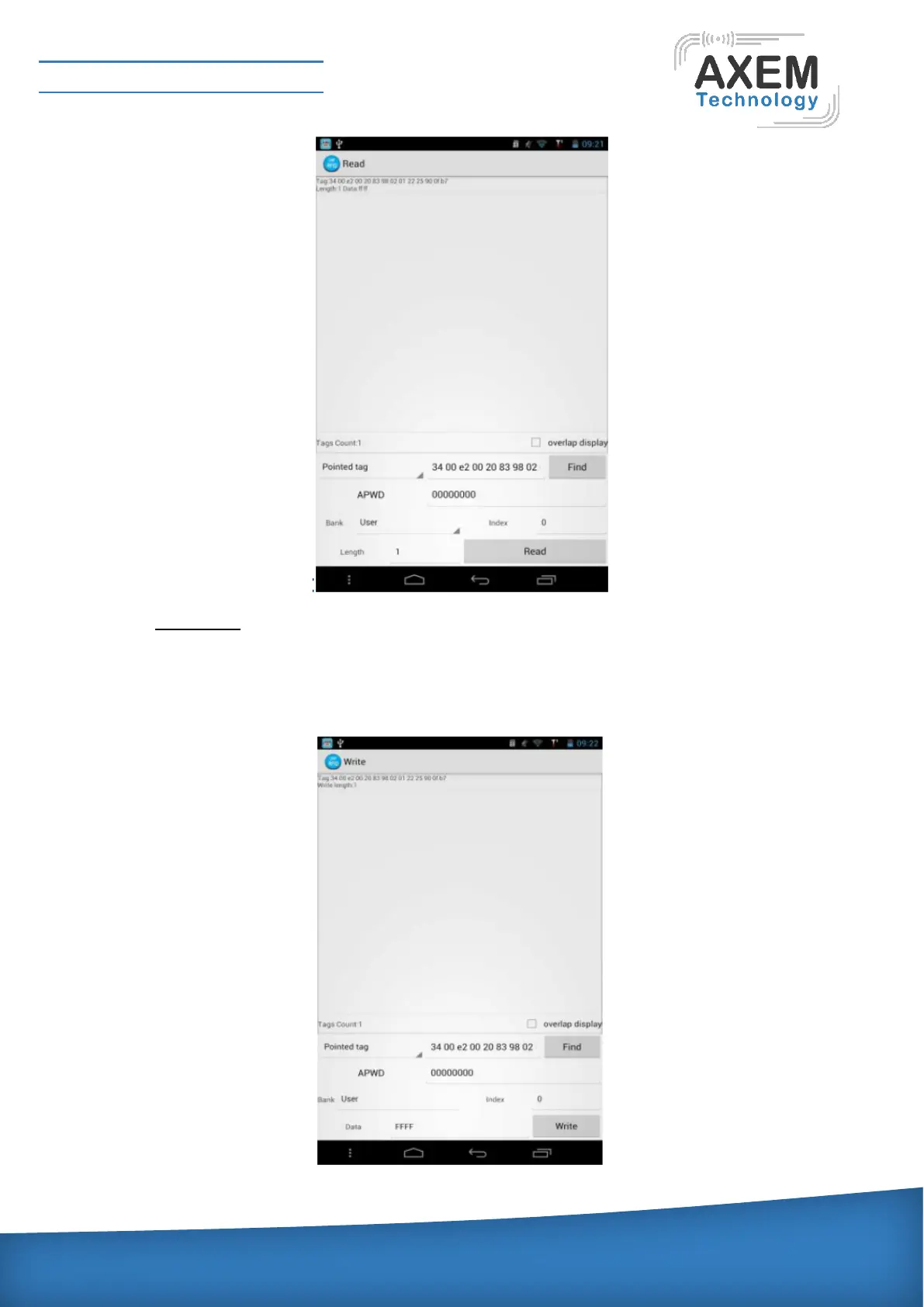
Input the access password after choosing the BANK to write in. Set the starting address as the
written starting word address, the written data is the actual data to be written, word is the units. After
completing the setting, you can click “write” button to write. After writing successfully, the ” button to
write. After writing successfully, the interface is shown as below:



 To Next Page