AXEM Technology
11 rue Auguste Perret, 94042 Créteil, FRANCE – info@axemtec.com – +33 (0)1 41 94 11 85 – www.axemtec.com
Siret : 45071140300045 - APE : 4652Z - RCS : CRETEIL 450711403 - N° TVA intracom : FR05450711403 - Capital : 500 000,00 €
Fichier : AT-07 tablet user guide20190423_AT-
07_user_guide AT-07 tablet
38/46
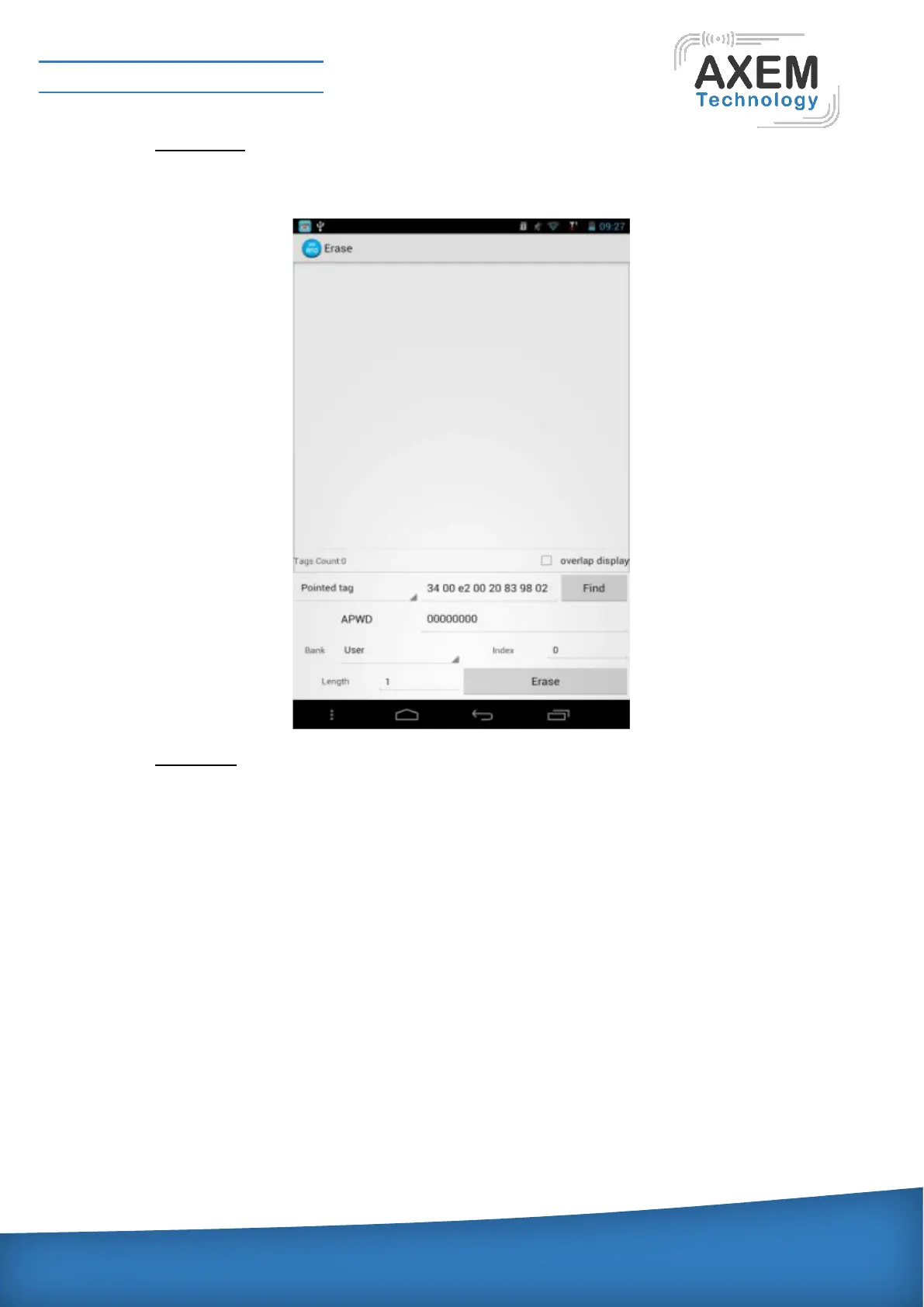
4.4.1.4 Data Erase:
After finding the tags, users can erase the data in designated area. Generally, it can only operate
in user area. Data erasing interface is shown as below:
4.4.1.5 Data Lock:
The user can only specify a label to be locked. Entering the user password to click the lock button,
the lock interface is shows as below:



 To Next Page