AXEM Technology
11 rue Auguste Perret, 94042 Créteil, FRANCE – info@axemtec.com – +33 (0)1 41 94 11 85 – www.axemtec.com
Siret : 45071140300045 - APE : 4652Z - RCS : CRETEIL 450711403 - N° TVA intracom : FR05450711403 - Capital : 500 000,00 €
39/46
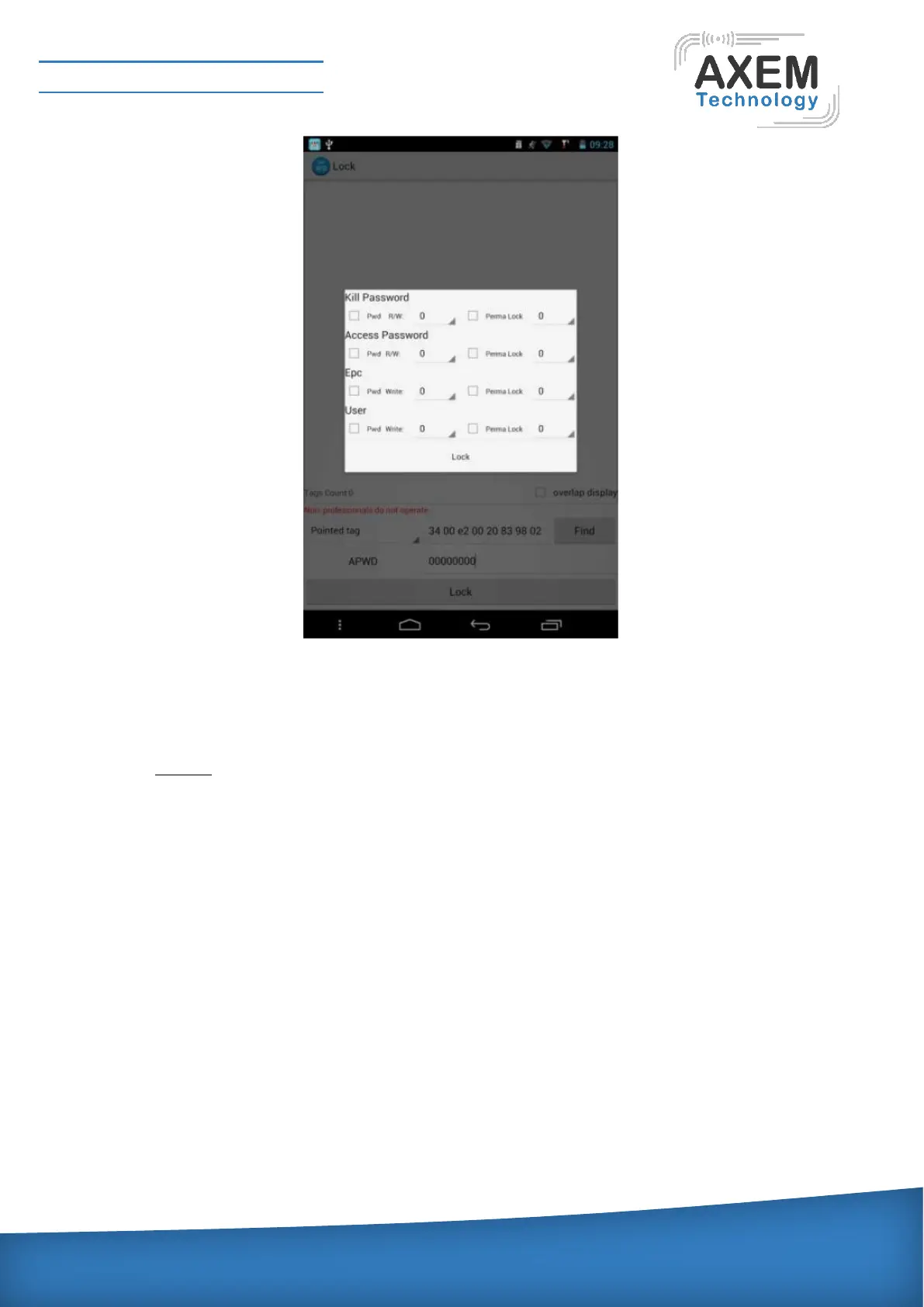
The user can lock one or several related areas at one time, if a permanent lock is chosen, it will not be
able to unlock. R/W are required to provide real access password for both read and write. Perma lock
indicates permanent lock. In the back of the check box, select 1 to click lock, then the Bank will be locked;
there will be corresponding information after lock successfully.
4.4.1.6 Unlock:
The user enters the data unlock interface, specify the label and enter the access password, click on
complete unlock, you can un lock a locked area. This demo provides all presentations include Kill
Password, Access Password, Epc, User Area. If either of these areas has been permanently locked, the
operation will fail. The unlock interface is shown as below:



 To Next Page