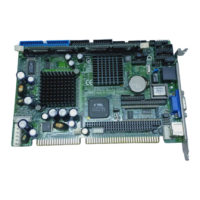
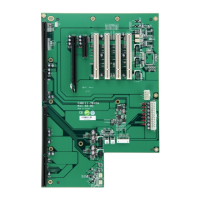
SBC82621 Socket370 Half-size All-in-One CPU Card User’s Manual
4.2.5 Power Management Setup
The Power Management Setup allows you to save energy of
your system effectively. It will shut down the hard disk and turn
OFF video display after a period of inactivity.
CMOS Setup Utility-Copyright © 1984-2001 Award Software
Power Management Setup
ACPI Function Enabled Item Help
Power Management Press Enter
PM Control by APM Yes Menu Level
Video off Option Suspend -> off
Video off Method V/H SYNC+Blank
MODEM Use IRQ 3
Soft-off by PWRBTN Instant-off
State After Power Failure Auto
Wake Up Events Press Enter
: Move Enter: Select +/-/PU/PD: Value F10: Save ESC: Exit F1: General Help
F5: Previous Values F6: Fail-Safe Defaults F7: Optimized Defaults
ACPI Function
This item allows you to enable/disable the Advanced
Configuration and Power Management (ACPI). The options
available are Enabled, Disabled.
Power Management
This category allows you to select the type (or degree) of
power saving and is directly related to the following modes:
HDD Power Down
Doze Mode
Suspend Mode
There are four selections for Power Management, three of
which have fixed mode settings.
Award BIOS Utility
47


 To Next Page