To Next Page


J
jmaldonadoAug 25, 2025
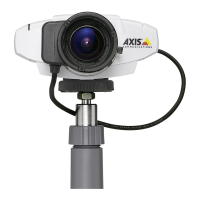
What to do if Axis Security Camera cannot be accessed from a web browser?
- TTanya BlackAug 26, 2025
If you cannot access your Axis Security Camera from a web browser, the IP address may have been changed by DHCP. Here's how to resolve it: 1. Move the camera to an isolated network without a DHCP server. Reset the IP address using AXIS IP Utility or ARP/Ping commands. 2. Access the unit and disable DHCP in the TCP/IP settings. Return the unit to the main network, so the unit will now use a fixed IP address. 3. Alternatively, if you need a dynamic IP address, configure IP address change notification from the network settings. Return the unit to the main network. The unit will notify you if the address changes. Also, test the network cable by connecting it to another network device and pinging that device from your workstation.
 General