Recording Operation
2
Recording
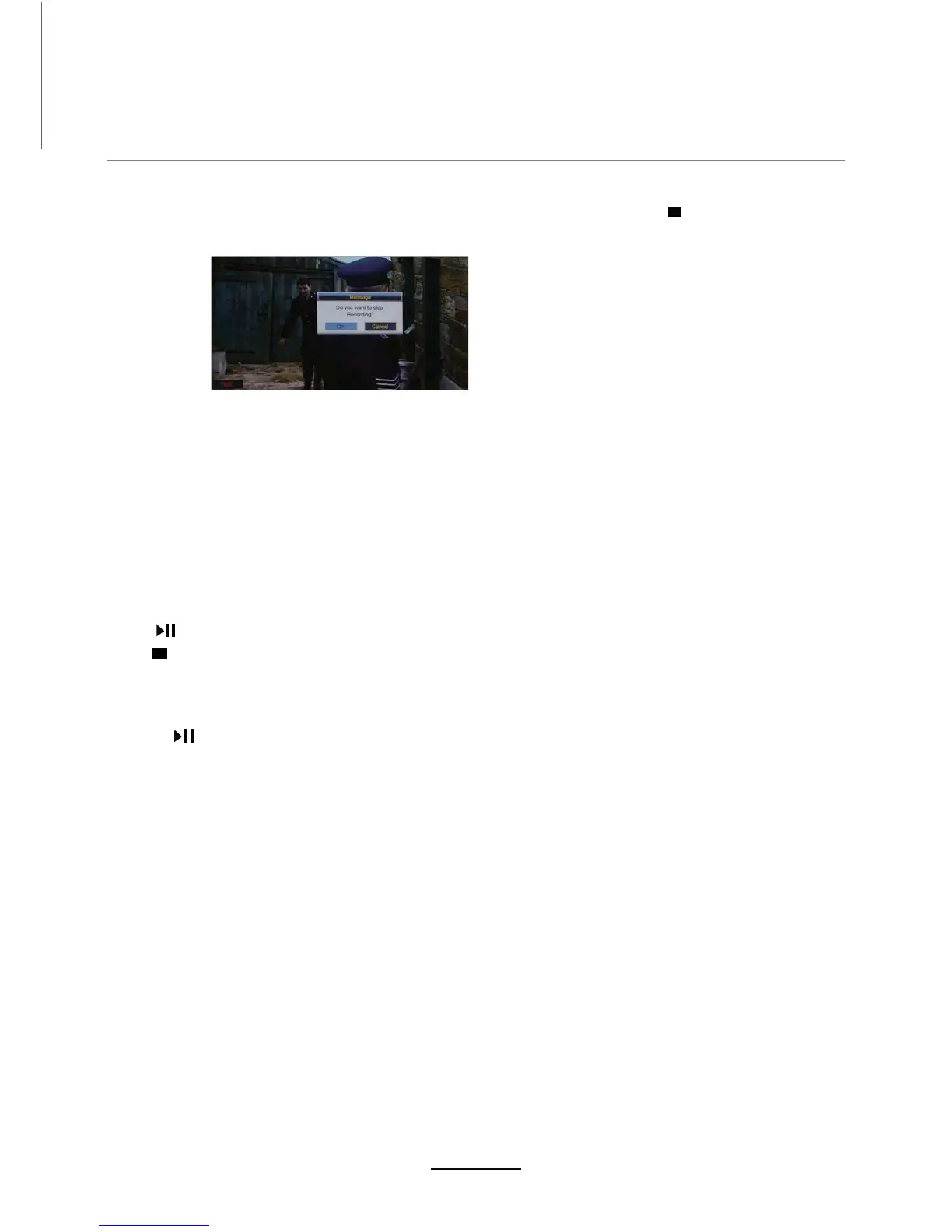
PressREC button on the remote control to start recording in DTV mode. Press $ message window
Note:
a.
Please make sure D USB device is DWWDFKHGWRWKH79.
b.
Please HQsure the speed and free space of the USB is VXIILFLHQW.
c.
Press Recording list button to display the Recorder list3lay the program selected.
d. You can also play the Recorded program in Multimedia mode.
appears.
Select “OK” and press OK to exit recording
Press button on the remote control to start timeshift in DTV mode.
Note:
a.
3OHDVHPDNHVXUHD86%GHYLFHLVDWWDFKHGWRWKH79
b.
3OHDVHHQVXUHWKHVSHHGDQGIUHHVSDFHRIWKH86%LVVXIILFLHQW
c.
Press button to pause the program EHLQJZatchHG, and the timeshift will start.
d.
Timeshift time menu on the corner shows the time between the current picture and the
livH broadcast picture
e.
During the recoUding progress, if the signal is ORVW, the recording process will pause until the
signal is stable again.
Timeshift
Press to stop timeshift.


 To Next Page