AXISD2110-VESecurityRadar
Solutionoverview
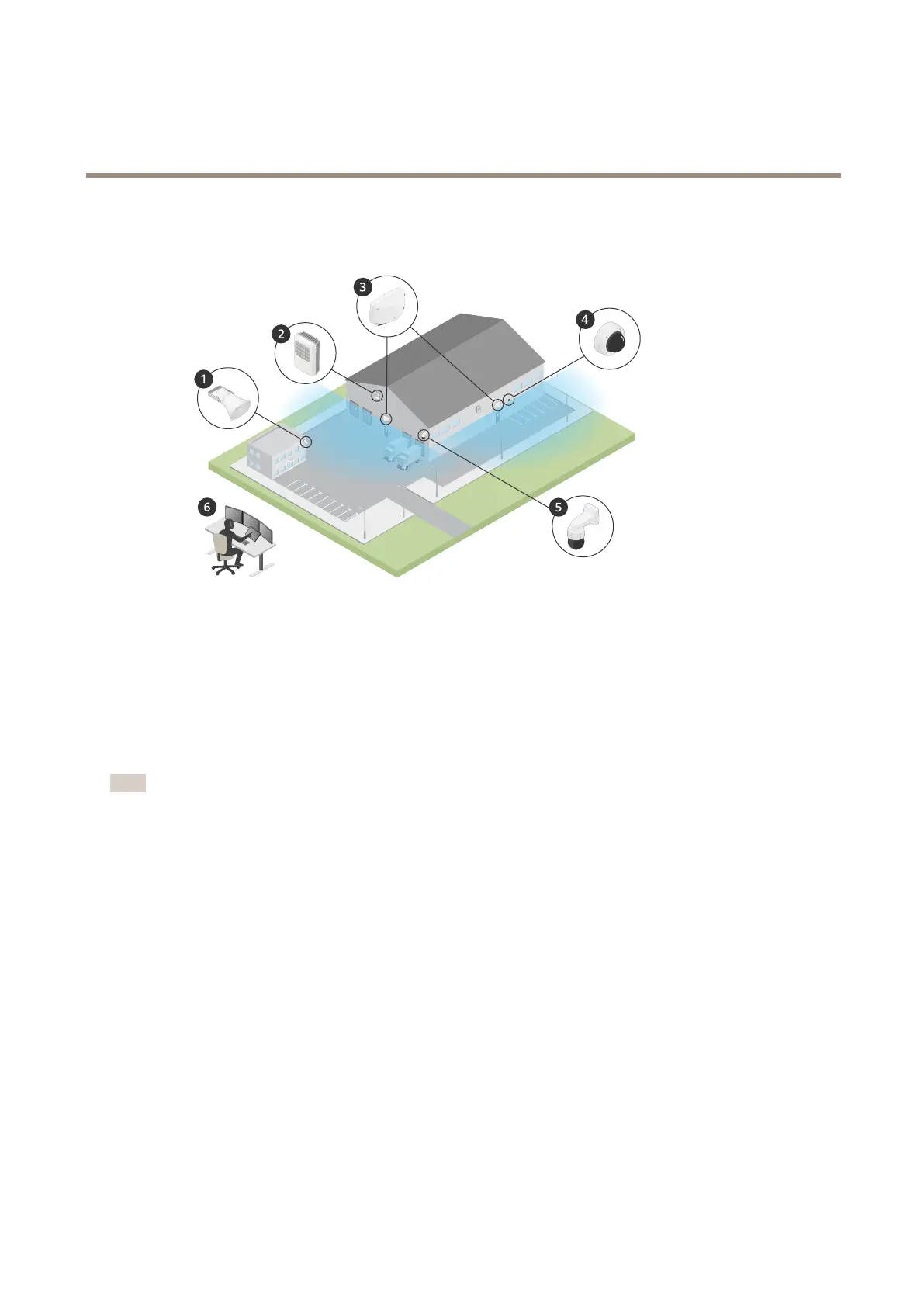
Solutionoverview
1
C1310-Ehornspeaker
2
Doorcontroller
3
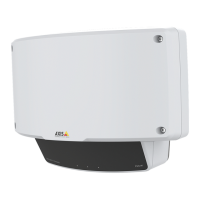
D2110–VESecurityRadar
4
Fixeddomecamera
5
PTZcamera
6
Surveillancecenter
Radarproles
Note
Touseradarprolesyourdevicemustberunningrmwareversion10.1 1orlater.Gototoupdateyourrmware.
Theusermanualissetuptohelpyouuseyourradardependingonwhatyouwantittodo.AXISD2110-VESecurityRadarhas
twoproles:
•Areamonitoringproletotrackbothlargeandsmallobjectsmovingatspeedslowerthan55km/h(34mph)
•Roadmonitoringproletotrackvehiclesmovingatspeedsupto105km/h(65mph)
AnyinformationinthisusermanualthatdoesnotfallunderAreamonitoringproleorRoadmonitoringproleiscommontoboth
prolesandcanbereferencedregardlessofwhichoneyouuse.
Wheretoinstalltheproduct
•Theradarisintendedformonitoringopenareas.Anysolidobject(suchasawall,afence,atree,oralargebush)inthe
coverageareawillcreateablindspot(radarshadow)behindit.
•Installtheradaronastablepoleoraspotonawallwheretherearenootherobjectsorinstallations.Objectswithin
1m(3ft)totheleftandrightoftheradar,thatreectradiowaves,affecttheperformanceoftheradar.
•Metalobjectsintheeldofviewcausesreectionsthataffectstheabilityoftheradartoperformclassications.
•Ifyouwanttoinstallmorethantworadarsinthesamecoexistencezone,seeInstallmultipleradarsonpage5.
3


 To Next Page