AXISD2110-VESecurityRadar
Validateyourinstallation
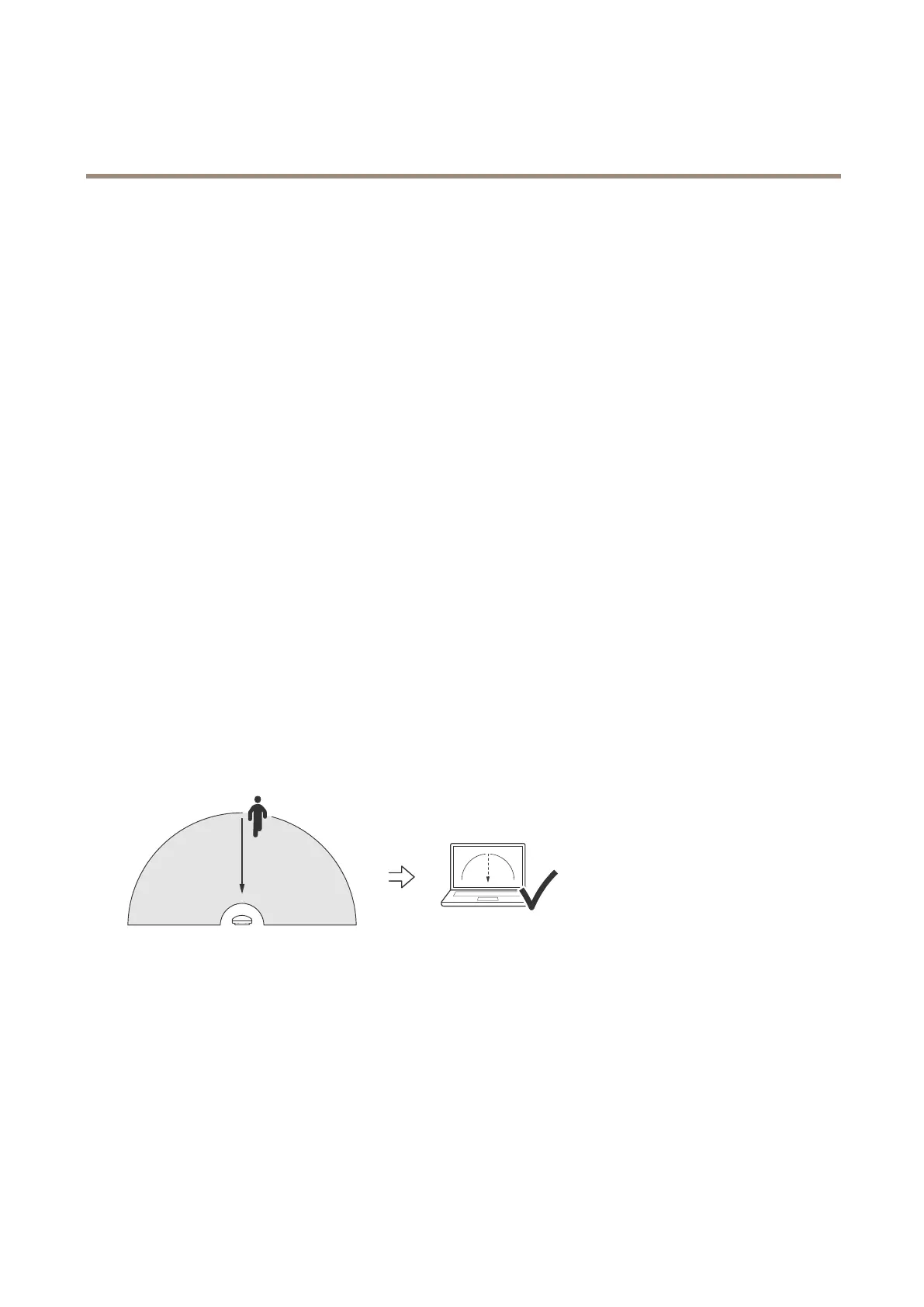
Checkforthecorrectsymbolanddirectionoftravelwhentheradarisapproachedfromtheside
1.Gointotheradar’swebinterfaceandrecordthesession.Forhelpdoingthis,gotoRecordandwatchvideoonpage20.
2.Start60m(197ft)outfromtheradarandwalkstraightacrosstheradarcoveragearea.
3.Checkthattheradar’swebinterfaceshowsthesymbolforahumanclassication.
4.Checkthattheradar’swebinterfaceshowsthecorrectdirectionoftravel.
48


 To Next Page