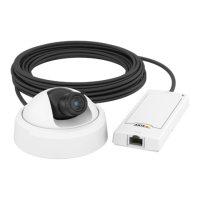
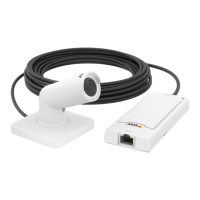
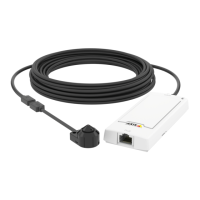
AXISP1214NetworkCamera
AccessingtheProduct
AccessingtheProduct
ToinstalltheAxisproduct,refertotheInstallationGuidesuppliedwiththeproduct.
Theproductcanbeusedwithmostoperatingsystemsandbrowsers.TherecommendedbrowsersareInternetExplorerwithWindows,
SafariwithMacintoshandFirefoxwithotheroperatingsystems.SeeTechnicalSpecications,onpage45.Toviewstreamingvideoin
InternetExplorer,allowinstallationofAXISMediaControl(AMC)whenprompted.
TheAxisproductincludesone(1)H.264decoderlicenseforviewingvideostreams.ThelicenseisautomaticallyinstalledwithAMC.
Theadministratorcandisabletheinstallationofthedecoders,topreventinstallationofunlicensedcopies.
Note
•QuickTime
TM
isalsosupportedforviewingH.264streams.
•Ifyourcomputerrestrictstheuseofadditionalsoftwarecomponents,theproductcanbeconguredtouseaJavaapplet
forviewingMotionJPEG.
AccessfromaBrowser
1.Startabrowser(InternetExplorer,Firefox,Safari).
2.EntertheIPaddressorhostnameoftheAxisproductinthebrowser’sLocation/Addresseld.Toaccesstheproductfroma
Macintoshcomputer(MacOSX),clickontheBonjourtabandselecttheproductfromthedrop-downlist.
IfyoudonotknowtheIPaddress,useAXISIPUtilitytolocatetheproductonthenetwork.Forinformationabouthowto
discoverandassignanIPaddress,seetheInstallationandManagementSoftwareCDorthedocumentAssignanIPAddress
andAccesstheVideoStreamonAxisSupportwebatwww.axis.com/techsup
3.Enteryourusernameandpassword.Ifthisisthersttimetheproductisaccessed,therootpasswordmustrstbe
congured.Forinstructions,seeSettheRootPassword,onpage8.
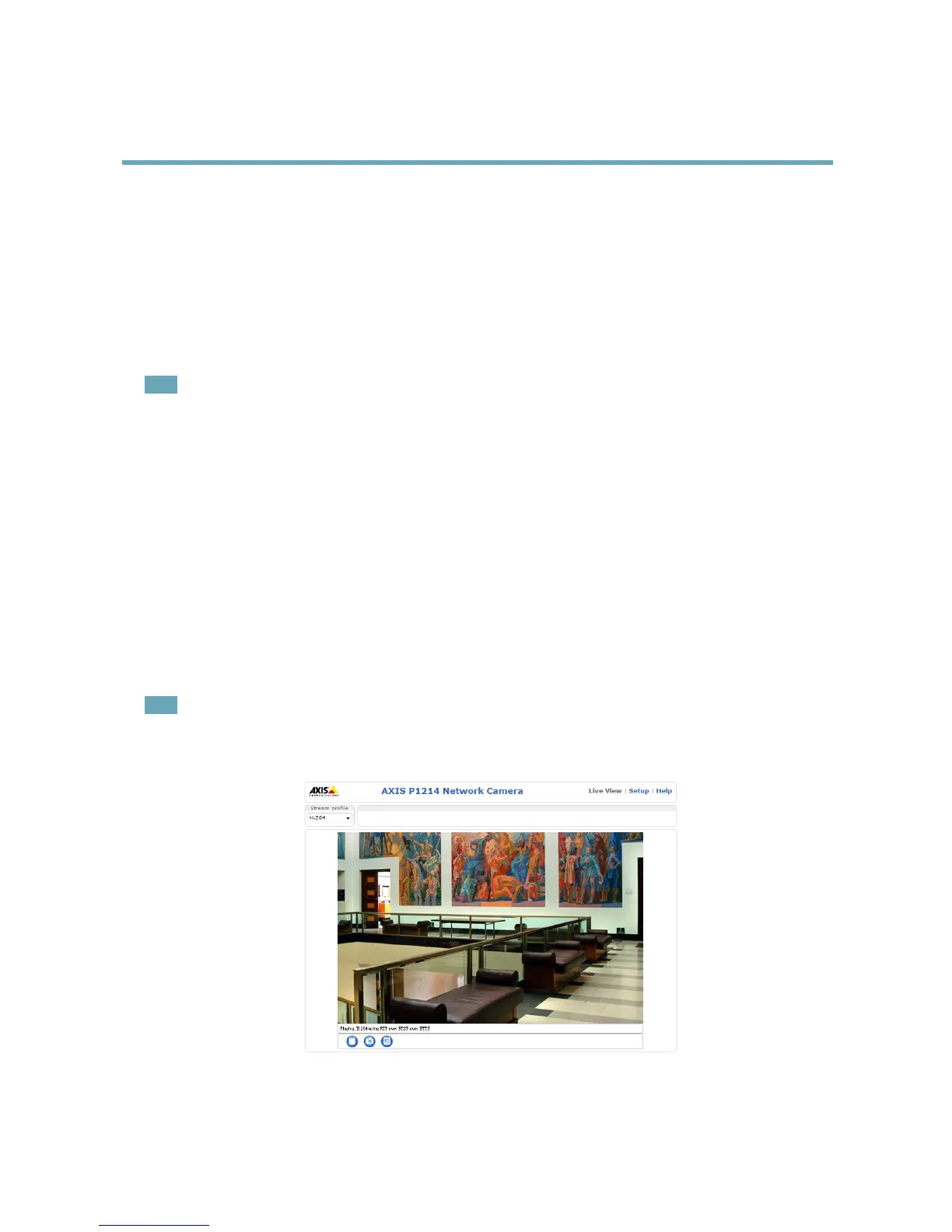
4.Theproduct’sLiveViewpageappearsinyourbrowser.
Note
ThecontrolsandlayoutoftheLiveViewpagemayhavebeencustomizedtomeetspecicinstallationrequirementsand
userpreferences.Consequently,someoftheexamplesandfunctionsfeaturedheremaydifferfromthosedisplayedin
yourownLiveViewpage.
7



 To Next Page