AXIS P1343-E Network Camera
Accessing the product
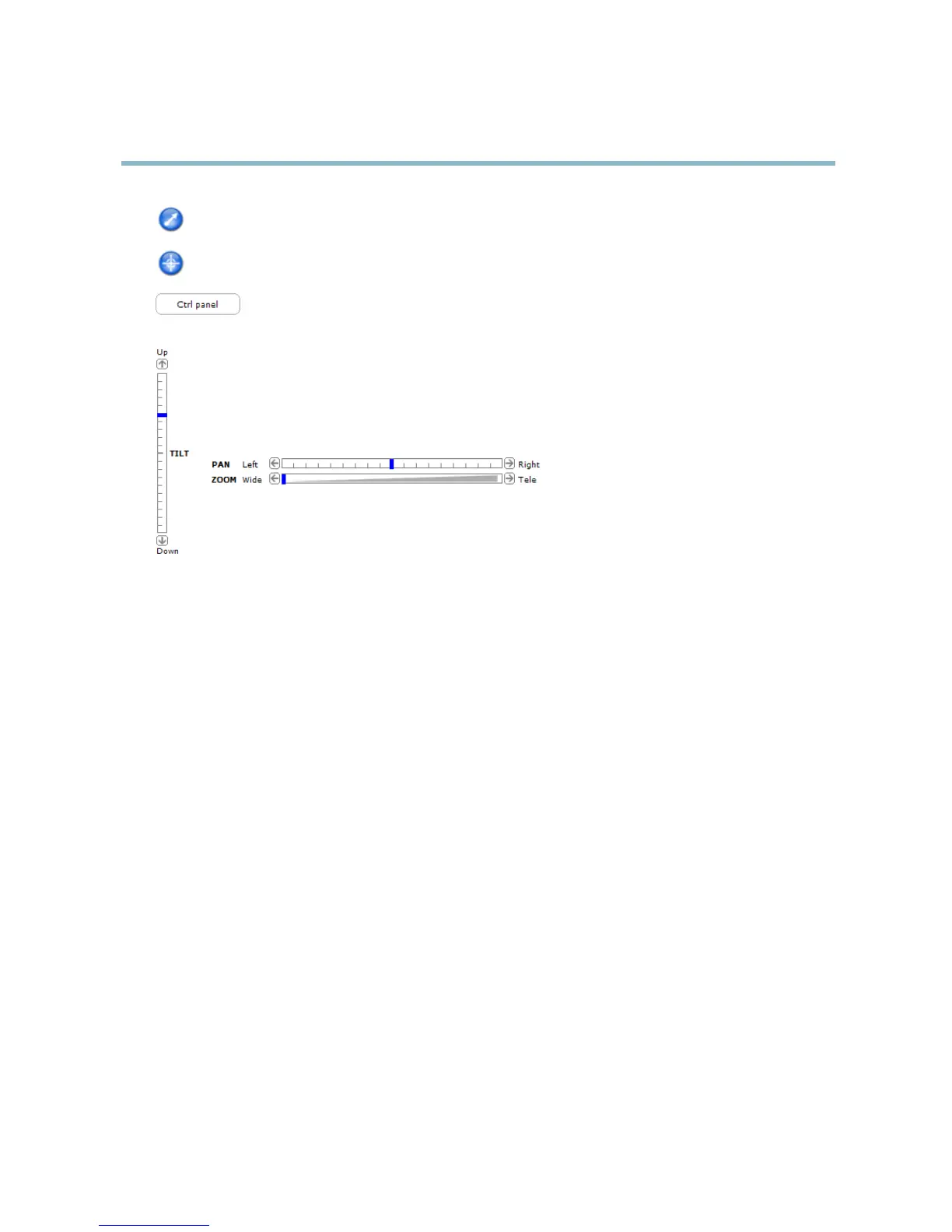
Click the Emulate joystick mode button and click in the image to move the camera view in the directio n of the
mouse pointer.
Click the Center mode button and click in the image to center the camera view on that position.
Click the Ctrl panel button to open the PTZ control panel which provides additional PTZ controls.
User-defined buttons can also appear in the Control panel. See Controls, on page 30.
Pan and Tilt bars – Use the arrows to pan and tilt the camera view, or click on a position on the bar to ste er the
camera view to that position.
Zoom bar – Use the arrows to zoom in and out, or click on a position on the bar to zoom to that position.
The PTZ controls can be disabled under PTZ > Advanced > Controls,seeControls, on page 30.
15



 To Next Page