AXISQ1775NetworkCamera
-Connectanexternalpoweradaptertothepowerconnectorblock.See
Connectorsonpage15forinformationontheconnectorpinsforwiring
information.
5.CheckthattheindicatorLEDsindicatethecorrectconditions.SeeLEDIndicatorson
page11forfurtherdetails.
Compositevideoout(optional)
Followtheseinstructionstoviewthevideosignalonaconnectedvideomonitor.
1.FollowtheinstructionsinConnecttheCablesonpage17.
2.Usingacompositevideocable,connectavideomonitortotheVideooutPr/CVBS
connector(red)ontheAxisproduct.
3.PressandholdtheCVBSbuttonfor5secondstoswitchtocompositevideoout
(installationmode).
Note
TheAxisproductwillstayininstallationmodefortwo(2)minutesandthenautomatically
reverttoComponentvideo.Ifadditionaltimeisrequired,pressthebuttonagain.
4.Positionthecameraandcheckthattheintendedareaisinviewonthescreen.
5.Disconnectthevideomonitor.
ComponentVideoOut(Optional)
FollowtheseinstructionstoviewthevideosignaldirectlyonaconnectedHDTVvideomonitor.
1.FollowtheinstructionsinConnecttheCablesonpage17.
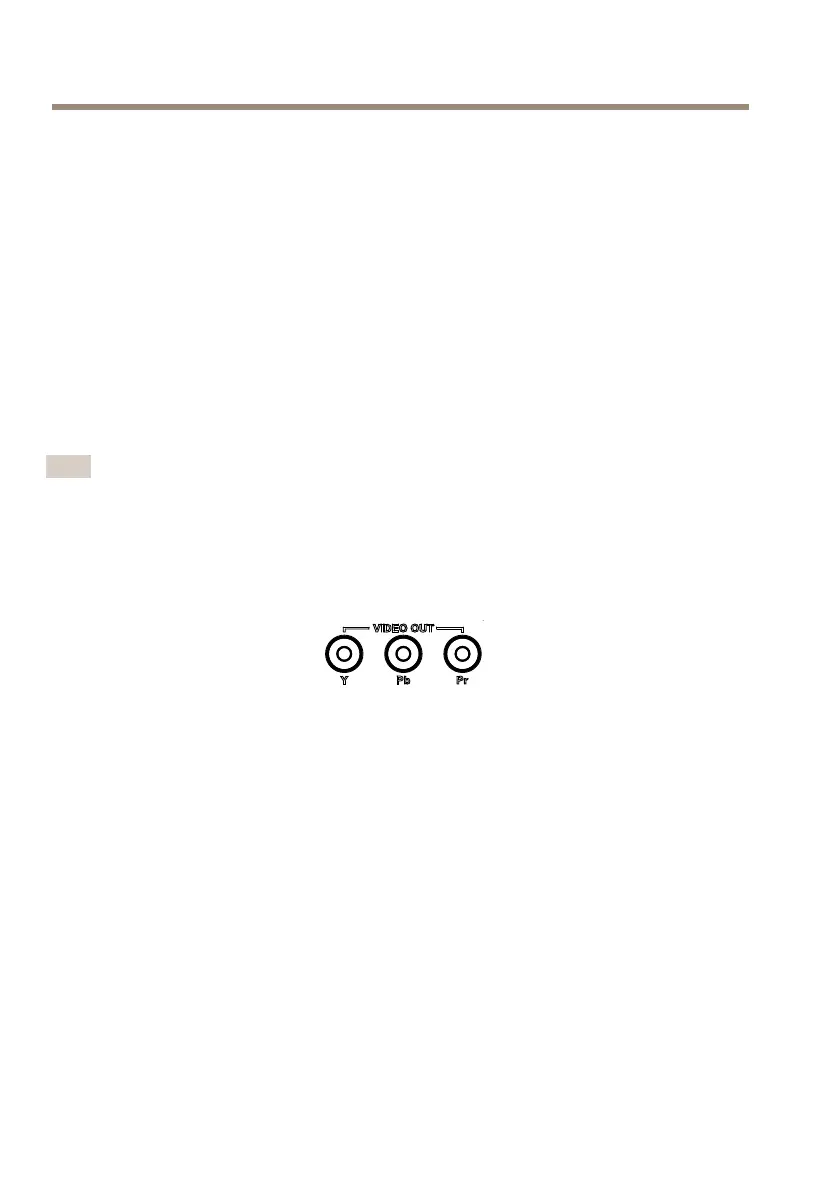
2.ConnecttheAxiscameradirectlytoanHDTVmonitorusingacomponentvideocable
connectedtotheVideoOutY/Pb/Prconnectors.
AccesstheProduct
AXISIPUtilityandAXISCameraManagementarerecommendedmethodsforndingAxisproducts
onthenetworkandassigningthemIPaddressesinWindows®.Bothapplicationsarefreeandcan
bedownloadedfromwww.axis.com/techsup
Theproductcanbeusedwithmostoperatingsystemsandbrowsers.Therecommendedbrowsersare
•InternetExplorer
®
withWindows
®
18



 To Next Page