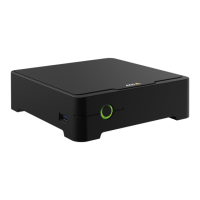
AXISS3008Recorder
Getstarted
2.SigninwithyourMyAxisaccount.
3.ClickCreatenewsite.
4.Nameyoursiteandenteryourcompanyname.
5.ClickNext.
6.Selectthedevicesyouwanttoaddtoyoursite.
7.ClickNext.
8.Enterapassword.
UsethispasswordtoaccessthewebpagesofyourdevicesorofinemodeintheAXISCompanionmobileapp.
9.ClickNext.
10.OntheReadytoinstallpage,OfinemodeandUpgradermwareareturnedonbydefault.Youcanturnthemoffifyou
donotwanttoaccessofinemodeorupgradeyourdevicestothelatestrmwareversion.
11.ClickInstallandwaitwhileAXISCompanionconguresthedevices.
Thecongurationmaytakeseveralminutes.
Installthemobileapp
WithAXISCompanionmobileapp,youcanaccessyourdevicesandrecordingsfromanywhere.Youcanalsogetnoticationswhen
suspiciouseventsoccur,orwhensomeonecallsfromanintercom.
ForAndroid
ClickDownloadorscanthefollowingQRCode.
ForiOS
ClickDownloadorscanthefollowingQRCode.
6


 To Next Page