5.2PhotoPlayback
1.Press/toselectfiles.
2.Presstodeleteselectedfile.
3.Presstoviewtheselectedfile.
4.Pressonemoretimetoexitphotoplayback.
5.3LockVideoPlayback
1.Press/toselectfiles.
2.Presstoplay/pausetheselectedfile.Pressandhold/
tofast-forward/rewind.
3.Pressonemoretimetoexitvideoplayback.
11 12
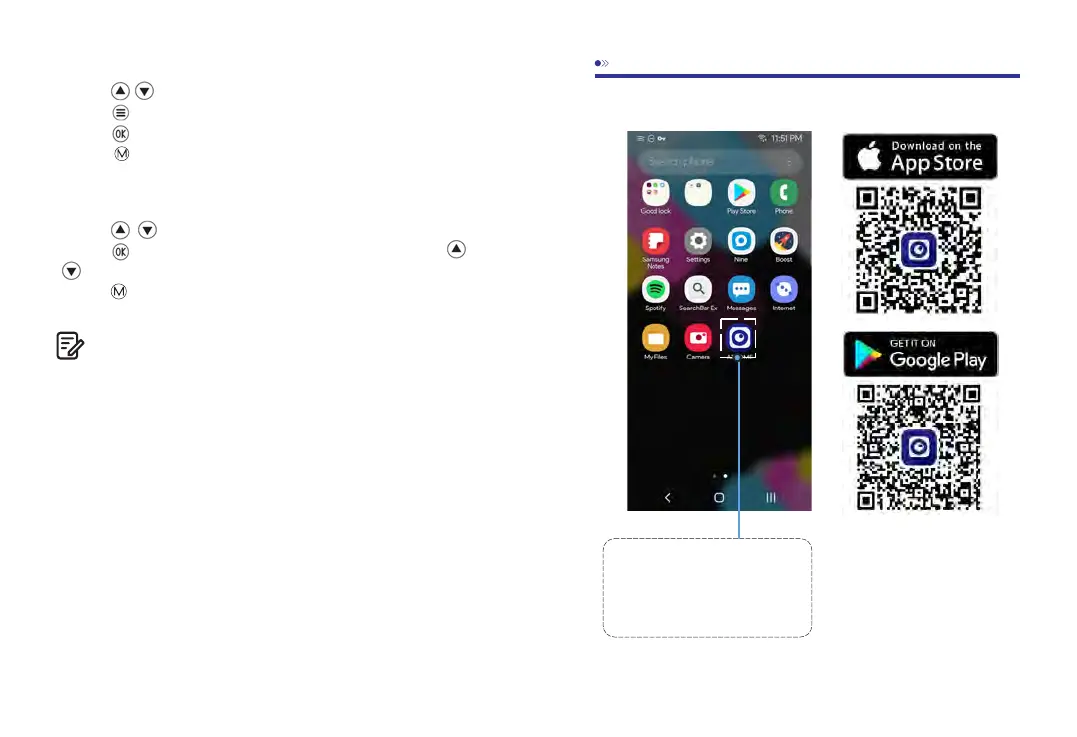
SearchfortheAZDOME
appintheGooglePlayStore
orAppleAppStoreandinstall
itonyoursmartphone.
1
8.PlayingVideoFilesUsingYourSmartphone
Checkreal-timevideousingyoursmartphone
Note:
Cannotdeleteprotectedfilesonthedashcam.



 To Next Page