EN-20
9.PlayingVideoFilesUsingAZDOMEDashCam
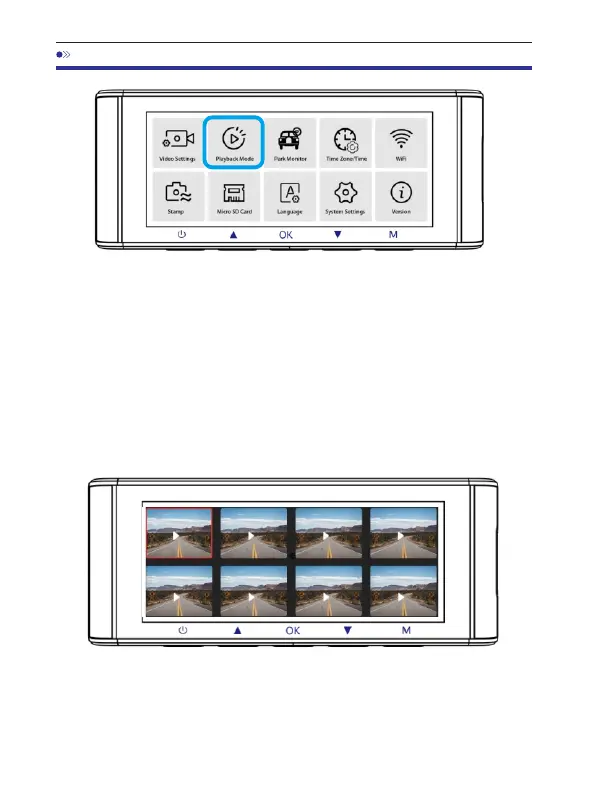
Pressthe‘ M’buttontoaccesstheMenusettings.Andthenchoose
the‘ PlaybackMode’togotothePlaybackMode.
NormalVideos:It'sthevideofilesthataresavedinnormallooprecording
mode.
LockedVideos:It'sthevideofilesthatdashcamlockswhenthecar'sshocked
ormanuallylocking.
Picture:It'sthepicturefilesthataretaken.
Inthethumbnailplaybackinterface,youcanlongpressthe‘ M’
buttontodeleteorprotectrelatedfiles.



 To Next Page