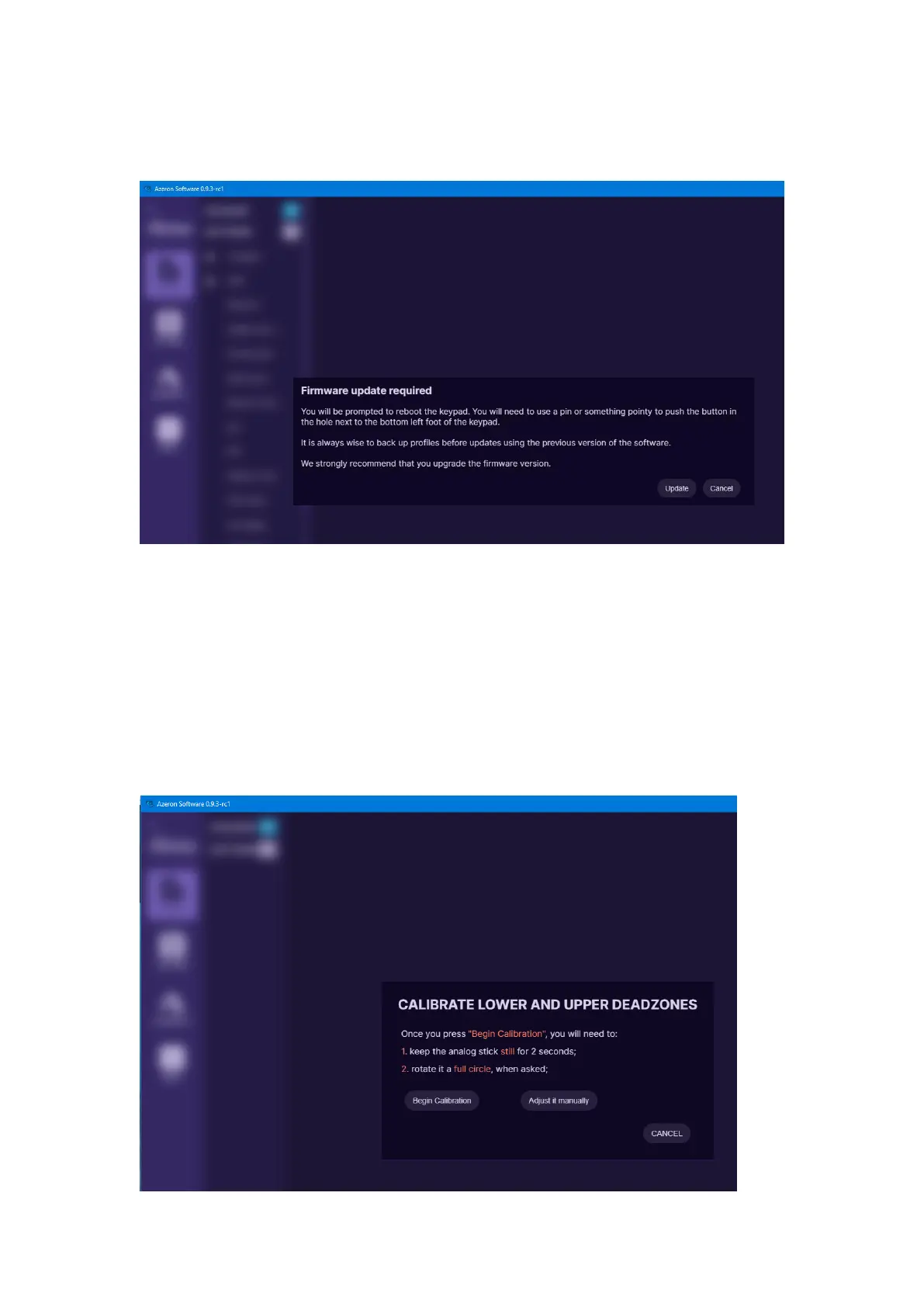
When opening Azeron software, there are 4 options what could show up:
A) When opening software, it may show this screen:
It means that the device requires firmware update. Click on “Update” at
the bottom right corner.
After firmware installation the device will restart. Wait until software
connects with your device.
When the firmware update is complete the software will ask you to
calibrate the thumbstick. Follow the directions on screen to complete the
calibration.


 To Next Page