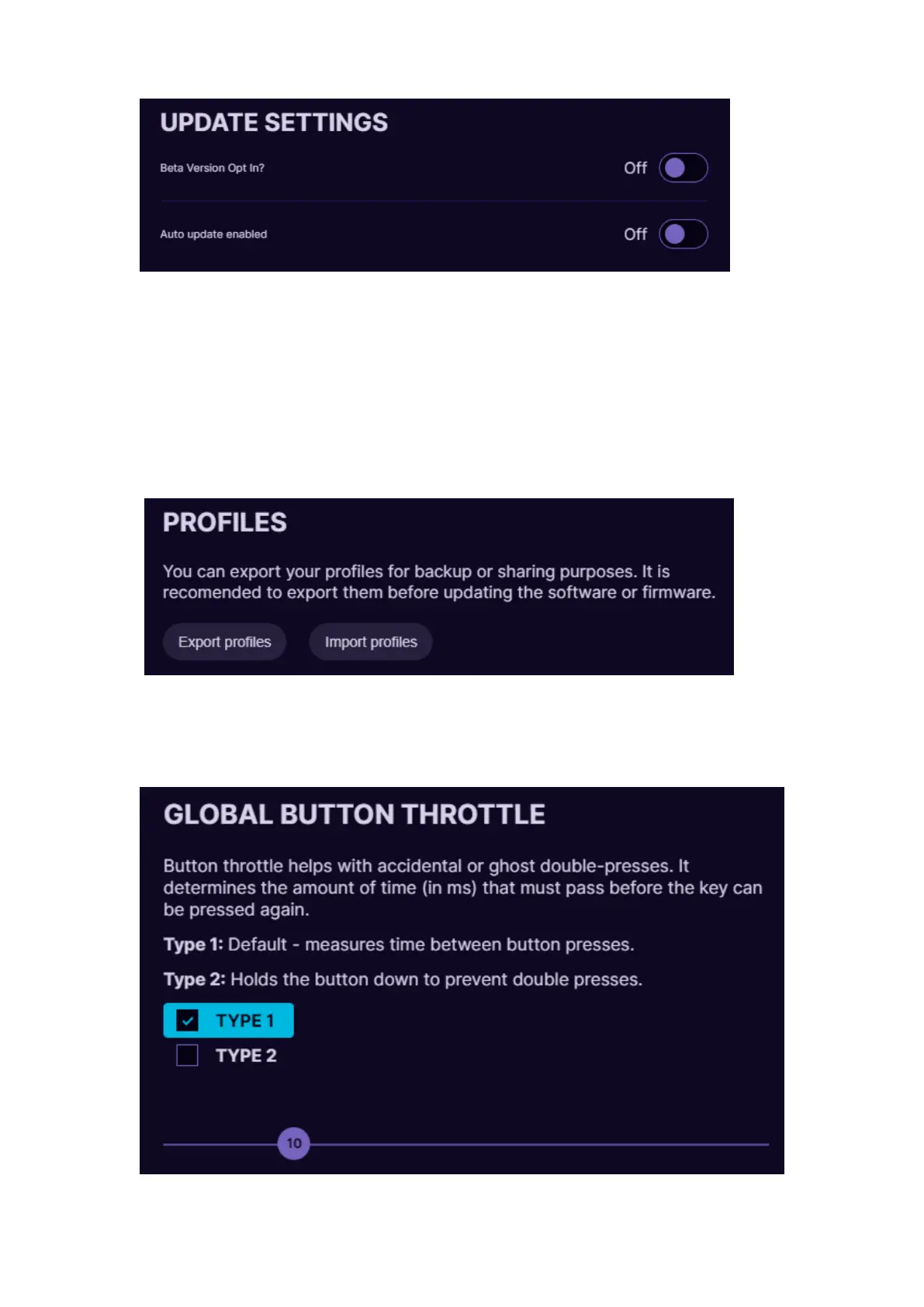
Update settings. By turning On the “Auto update enabled” it will offer to
install the newest software version as soon as it is released. If you are ok
to use beta version of the newest release and test new features before
they are “polished”, you can turn On the “Beta Version Opt in” option. If
there will be newer version available, then Update button will be visible.
To update to newer firmware version, just press the button Update and
follow the instructions on the screen.
At the Profiles option it is possible to Export and Import your profiles. You
can back up all of your profiles in .JSON file, to prevent any accidental
deletion when reinstalling software or Windows, updating firmware, etc.



 To Next Page