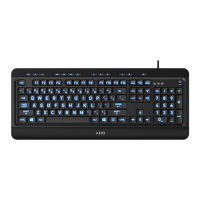
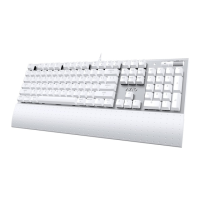
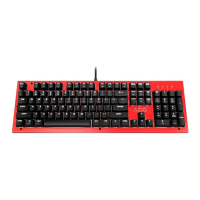
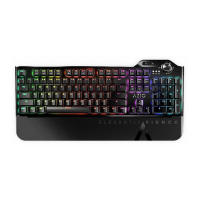
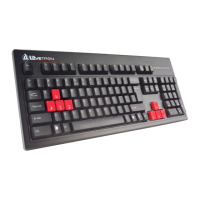
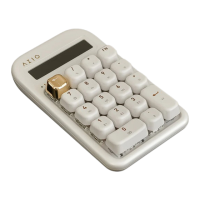
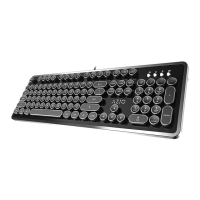
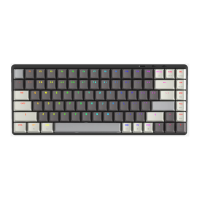
KEYBOARD DIAGRAM
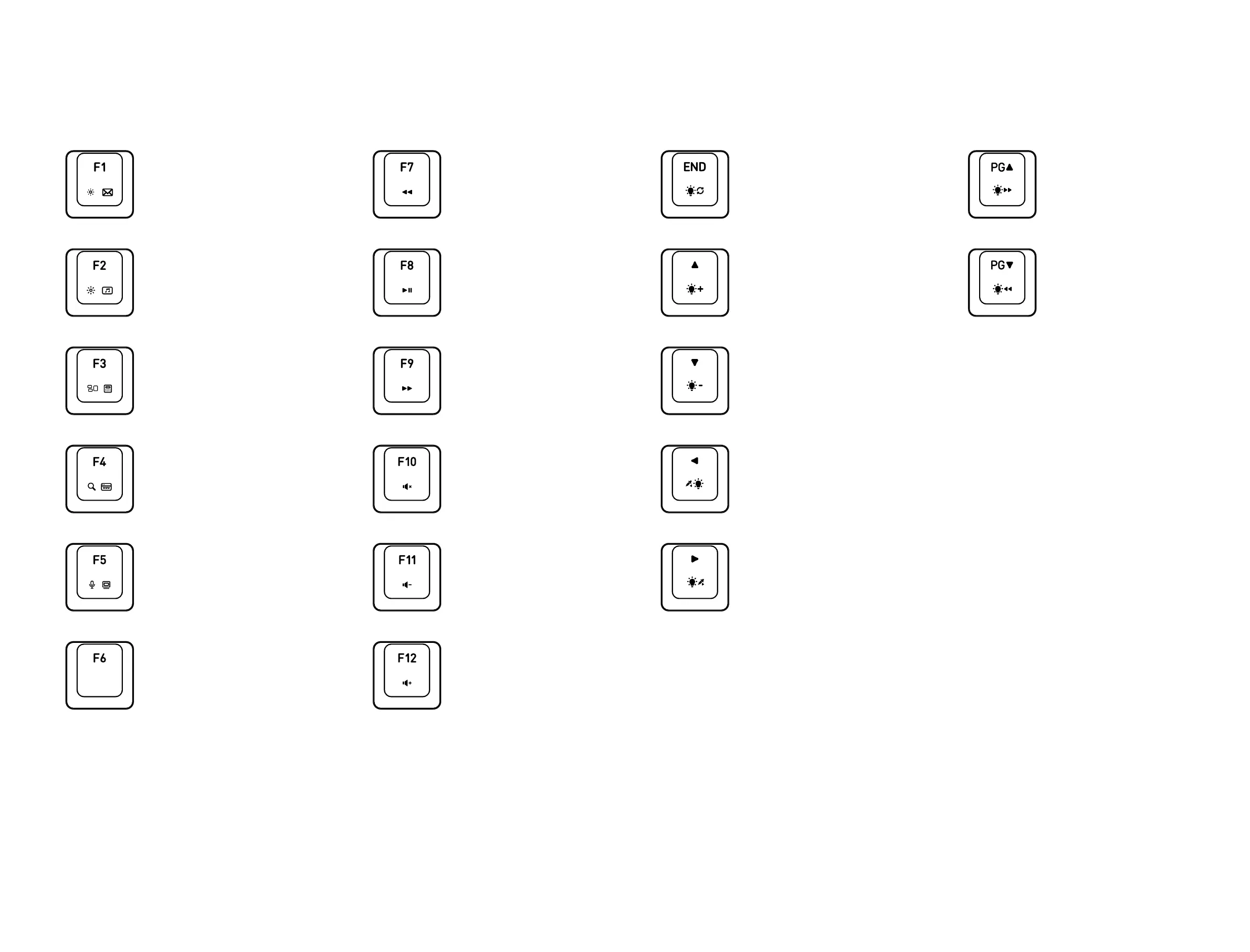
BACKLIGHT CONTROL HOT KEYS LEGEND
Press the FN + END to cycle between 4 lighting modes : Static, Breathing,
Wave & Reactive.
Press the FN + Up Arrow Key or Down Arrow Key to increase or decrease
the backlight brightness.
Press the FN + Right Arrow Key or Left Arrow Key to cycle through the
backlight colors : White (default), Red, Orange, Yellow, Green, Blue, Purple,
Sky Blue, & RGB.
Press the FN + Page Up or Page Down to speed up or slow down the
backlights. Only the Breathing and Wave mode can adjust backlight speed.
Backlight Modes
Backlight Brightness
Backlight Colors
Backlgiht Speed
Backlight Speed Up
Backlight Modes
Next Backlight Color
Increase Backlight Brightness
Decrease Backlight Brightness
Backlight Slow Down
Previous Backlight Color
HOT KEYS LEGEND
For Mac system, check your MAC setting to trigger the multimedia functions.
For Windows, press FN with multimedia keys to trigger the functions.
MAC /
None
PC /
Sleep Mode
MAC /
Play / Pause
PC /
Play / Pause
MAC /
Next Track
PC /
Next Track
MAC /
Mute Volume
PC /
Mute Volume
MAC /
Decrease Volume
PC /
Decrease Volume
MAC /
Increase Volume
PC /
Increase Volume
MAC /
Previous Track
PC /
Previous Track
MAC /
Decrease Display Brightness
PC /
Launch Email Application
MAC /
Increase Display Brightness
PC /
Launch Media Player
MAC /
Dashboard
PC /
Web Browser
MAC /
Expose
PC /
Caculator
MAC /
Siri
PC /
My Computer


 To Next Page