User Manual
Page 9 of 43
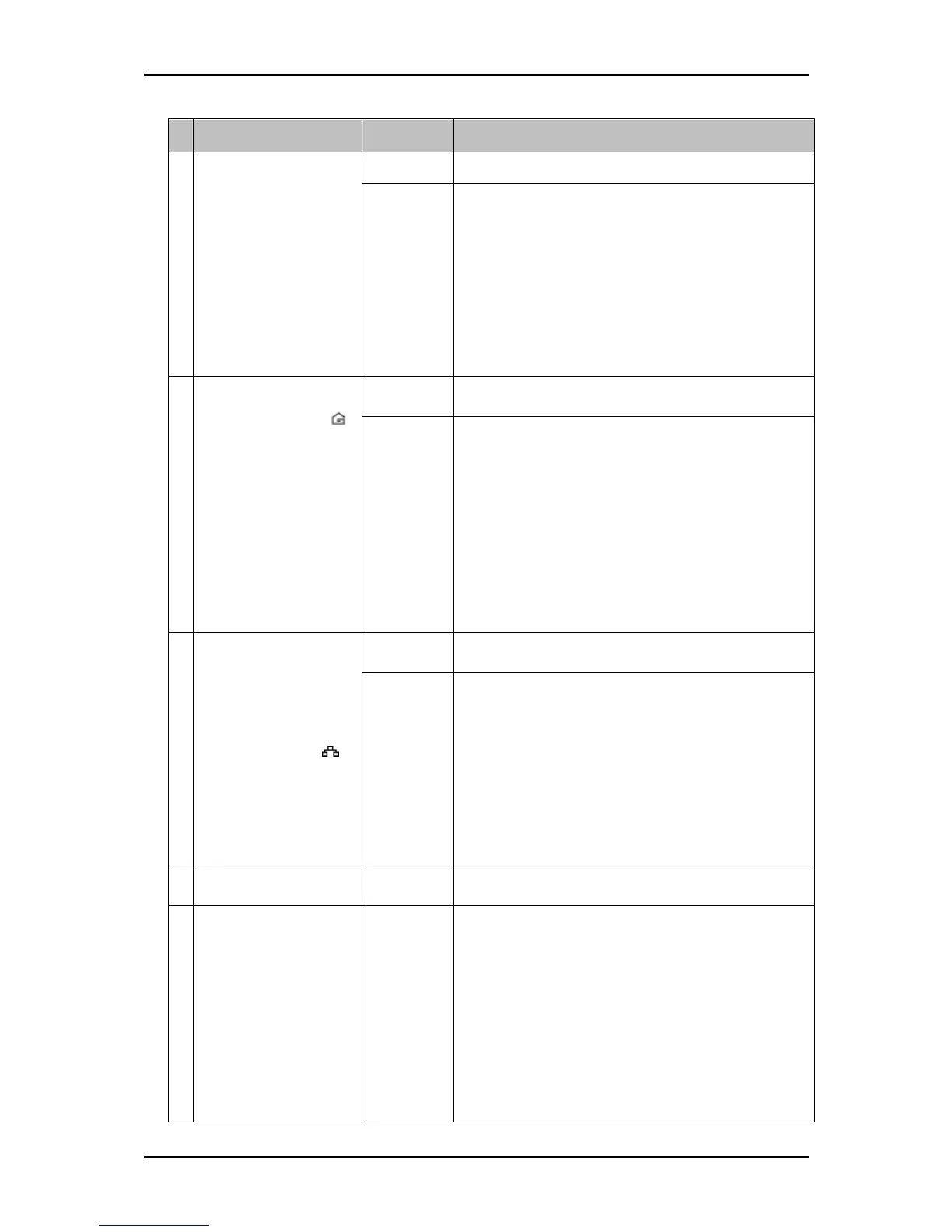
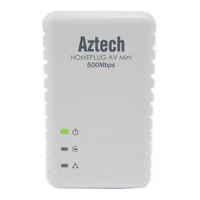
Label Status Description/ Function
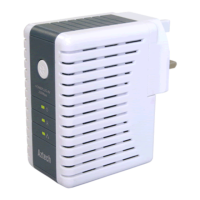
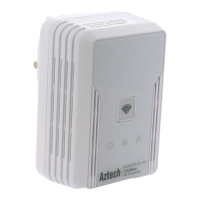
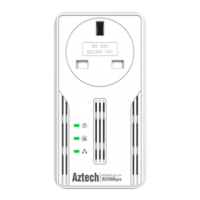
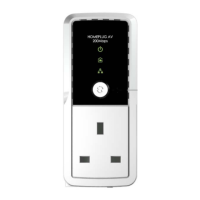
Power LED
Off • No power.
On • HomePlugAV is on a Power Saving Status
when LED is on steady color.
• When Simple Connect is pressed for 5-8
seconds, this LED will turn OFF and turn ON
to confirm the Private Network Name reset.
• After Simple Connect is pressed for 2-4
seconds, this LED will blink to confirm the
button press.
B
Powerline Activity
Off Device is not connected to a HomePlug AV network.
On • When Simple Connect is pressed for 5-8
seconds, this LED will turn OFF to confirm
the Private Network Name reset.
• This LED is steady in color when the device
is part of a HomePlug AV network.
• The LED colors represents the connection
rate within the HomePlug AV network
whether it is good (red), better (amber), or
best (green).
C Ethernet Activity
Off An Ethernet device is not connected.
On • This LED is steady when an Ethernet device
is connected.
• When Simple Connect is pressed for 5-8
seconds, this LED will turn OFF and turn ON
to confirm the Private Network Name reset.
(Ethernet is connected)
• The LED flashes to indicate Ethernet
activity.
D
Ethernet Port
Accepts either cross or straight Ethernet cable.
E
Simple Connect
Button /
Reset Button
Press to create or join a HomePlug AV network. It
can also be used to reset the Private Network Name
to a random key.
When Simple Connect is pressed for 5-8 seconds, it
will randomize the Private Network Name.
Press for 10-13 seconds to reset to the factory
default settings. When you reset to the factory
default, all your configuration changes will be
removed.


 To Next Page