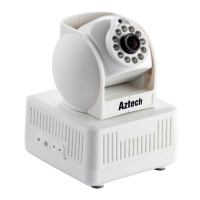
able to access the IP Camera remotely using another computer.
10.1.1 Aztech DSL1015EW(S) / DSL1016EN(S2)
1. Open your browser.
2. Type-in 192.168.1.254 on the address bar and then press Enter.
3. Go to Firewall Configuration, click Port Forwarding
4. Select Server Name if application is available in one of the option and fields will
auto-populate or select Custom Server if you enter the name manually
5. Enter the Server IP address of the computer on your local network that you want to
allow the incoming service
6. For External Port Start and External Port End, enter the port or ports that you
want to open. If you want to open one port, enter the same port in both boxes
7. For Protocol, select TCP.
8. For Internal Port Start and Internal Port End, enter the port of ports that you want
to open. If you want to open one port, enter the same port in both boxes
9. Click Save/Apply
Note: Remaining numbers of entries that can be configured is up to 32.
To Remove:



 To Next Page