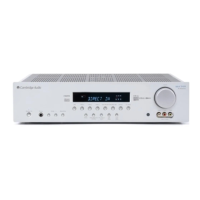
540R AV receiver
azur 540R AV receiver 9
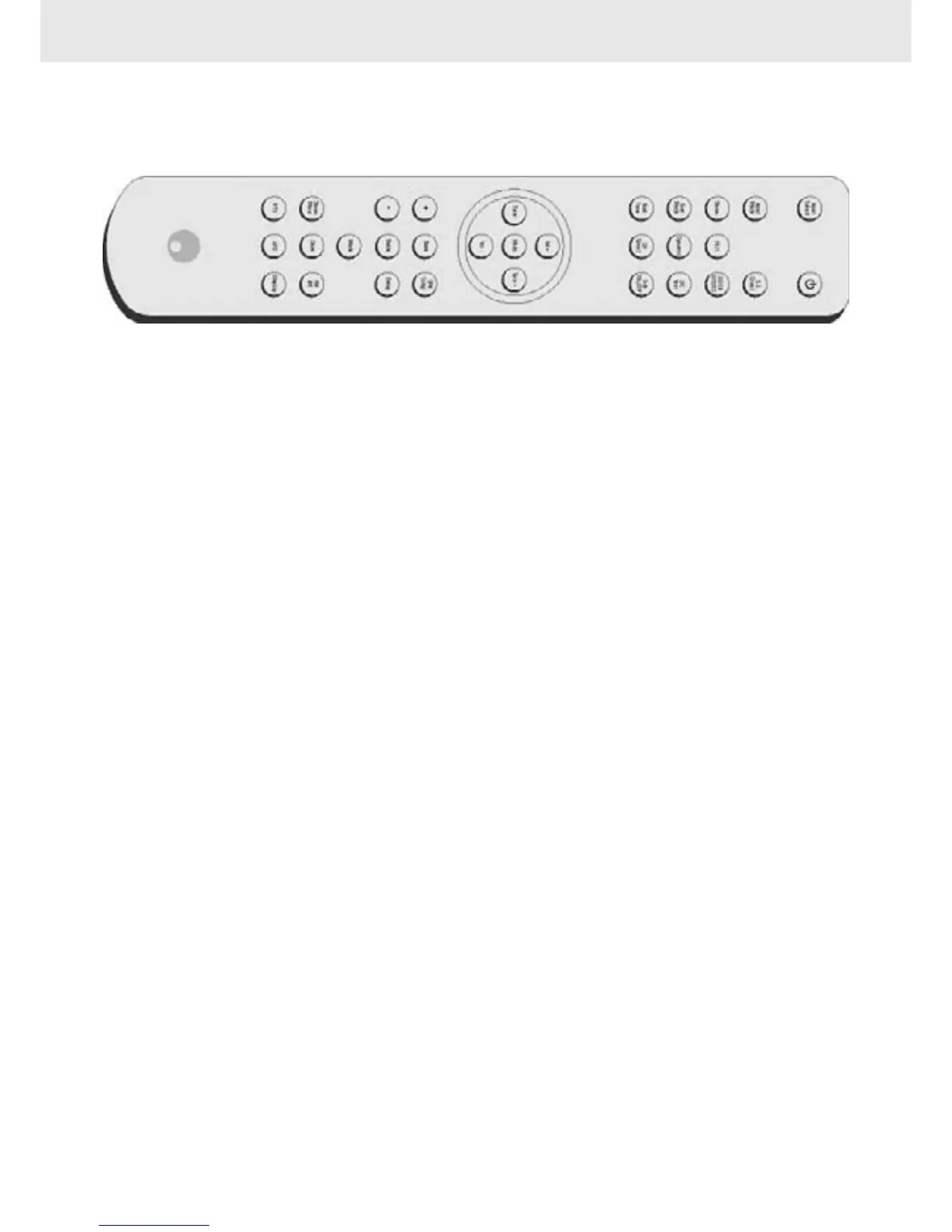
REMOTE CONTROL HANDSET
Input sselect
Push to select desired source equipment.
Power
Push this button to switch the 540R to standby mode, push it again to
turn off the 540R.
Input mmode
See previous page.
Stereo
See previous page.
PL III
See previous page.
DD EEX // DDTS EES
See previous page.
Surr mmode
See previous page.
Dynamic
Press to access Dynamic Range Compression controls (see page 11),
LFE ttrim
Press to access Low Frequency Effect controls (see page 11).
Test ttone
Press to access Speaker Level Balance Adjustment (see page 11).
CH sselect
Press to access Channel Select (see page 11).
Sub oon/off
Press to turn the subwoofer on/off.
Volume ++/-
Press to increase or decrease the master volume.
Tune ++/-
Press to increase or decrease the tuner frequency.
Mute
Press to mute audio.
+ // -
Press for function adjustments.
Bass // TTreble
Press for Bass and treble control. Then press +/- key to adjust levels.
SPK ssetup
If you are listening to a source in digital or Pro Logic
®
II you can adjust
your speaker settings from here.
Delay
See Delay Time (page 11).
Stereo // MMono
Press to alternate between Stereo and Mono when listening to FM
broadcasts.
Store
See Tuner Operation (page 10).
FM/AM
See Tuner Operation (page 10).
APS ssearch ((without RRDS) // PPTY ssearch ((with RRDS)
APS - Allocates and memorises radio stations automatically.
PTY - Press to view current program type on the display, use Tune +/- to
select the program type you desire.
Display
When listening to source equipment press this button to view input type
(optical, coaxial or analogue). When listening to FM with RDS, press this
button to view station information.


 To Next Page
 Loading...