5
(set manual test parameters)
MS6:
Sheath fault location
Select one of the following pulse/periods:
• 1:3 / 4 s
• 1:5 / 4 s
• 1:5 / 6 s
• 1:9 / 6 s
For example: 1 second on and 3 seconds off, every
4 seconds.
MS7:
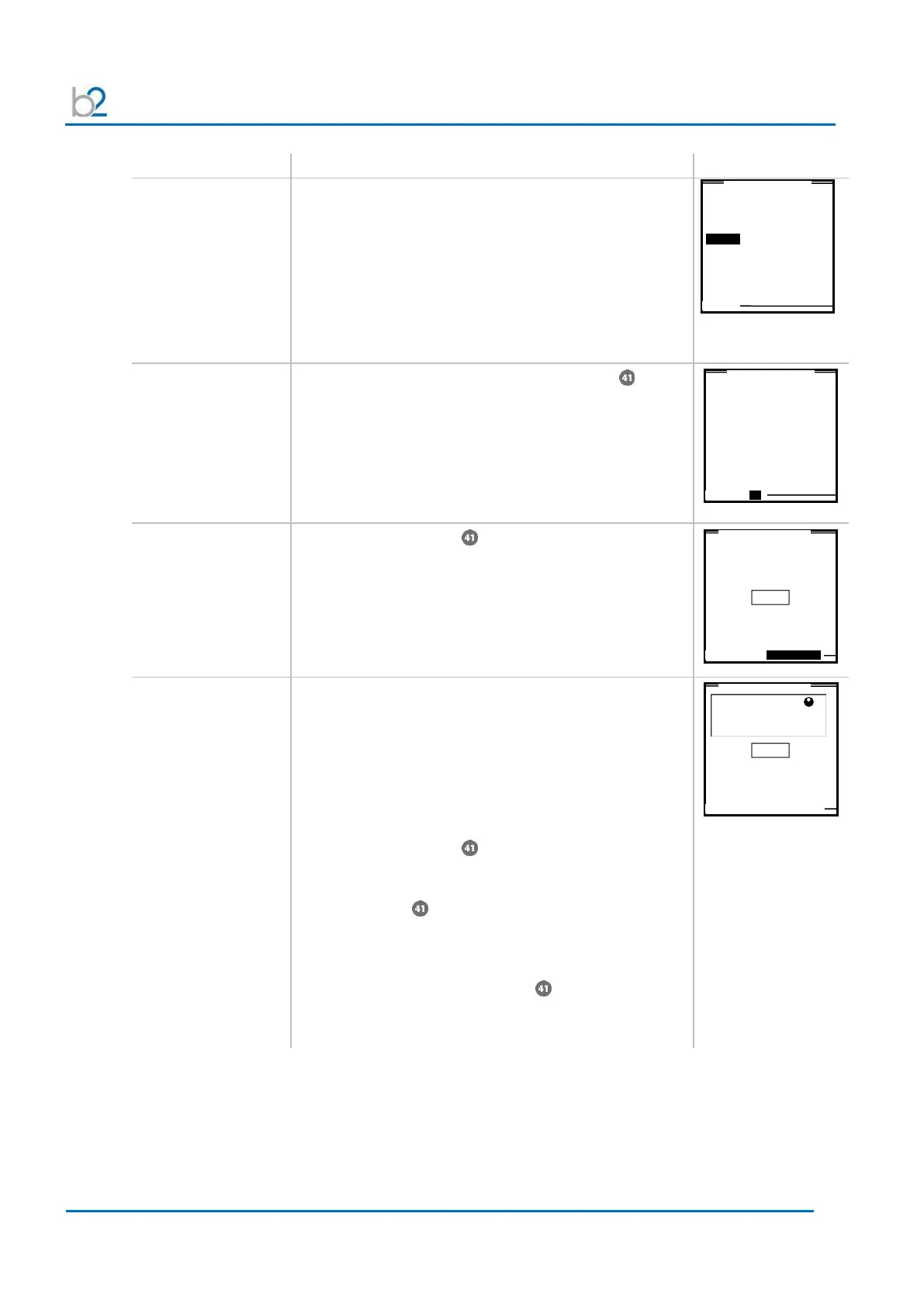
SETUP:
Duration
(not applicable
vacuum bottle test)
To modify the duration, rotate navigation knob
To accept value, push in knob.
• Min. test duration = 1 minute
• Max. test duration = 24 hours
To return to “Manual Mode” screen, select “OK”
MS8:
Arc management
mode
Rotate navigation knob until the field on bottom of
the screen is highlighted.
To change the mode, push in the knob. One of the
following modes will be displayed:
• Trip out on arc
• Burn on arc
MS9:
Preset test voltage:
(optional-voltage
can be set once test
has been initiated!)
Entering the test voltage before activating the manual-
mode test “START” is optional.
In manual mode, voltage can be set once test has been
initiated!
To set the test voltage before activating the manual-
mode test “START”:
Rotate navigation knob until voltage field is framed.
The dot in upper right hand corner indicates that the test
voltage is in pre-set mode. To modify the value, rotate
navigation knob
• Voltage limits see 3.1. Technical Specifications
To accept the value, push in knob . The dot in upper
right hand corner disappears indicating that the test
voltage is set.
Auto Frequency Adjust
Set Duration / Timer
15 min
MAIN SETUP Trip out on Arc
MAIN SETUP Trip out on Arc
kV



 To Next Page