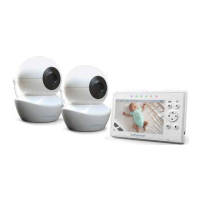
Fing your monitor
Fing to a Diaper:
A properly fied diaper is essenal for the proper
funcon of your Pete Clip. Fasten the diaper with the
two stretchy tabs (Fig. B). The thin flap of material at
the top of the diaper must be folded over the fastened
tabs (Fig.C). To ensure reliable operaon verify that the
baby's diaper is fied snuggly. Aach the device on the
diaper as illustrated in Fig. D
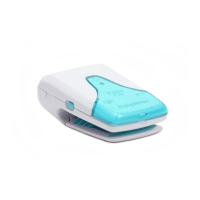
The device should remain in good contact with baby's
tummy throughout the monitoring period (Fig. E and F).
Daily Performance Test
Checking the proper performance of the device:
• Test the proper operaon of the device by pressing
briefly the ON / OFF buon. All indicator lights should
momentarily turn on, accompanied by an audible signal.
• Make gentle sliding movements with your finger over
the monitor’s sensor pad to simulate movement.
Make sure the green Movement Indicator Light blinks.
Please note, that it may take a few seconds for the
green indicator to start blinking.
• Stop making movements over the sensor pad and
place it on a hard moonless surface, with the front
side facing up. Avoid touching the device and the
surface during this test.
• Ensure that the device vibrates within 20 seconds
from the moment the movements have stopped,
followed by cking tones and then a sound alarm.
• Check that the alarm can be heard by a caregiver
if baby is covered in clothing and / or blankets and in
all locaons throughout the place of care.
12


 To Next Page