
 Need help?
Do you have a question about the BAFANG DP C244.CAN and is the answer not in the manual?
Lists operating temperature, storage, waterproof rating, and humidity.
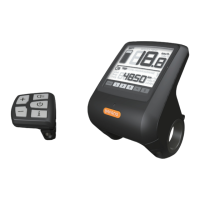
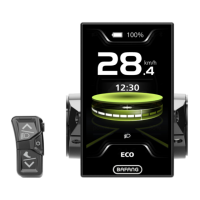
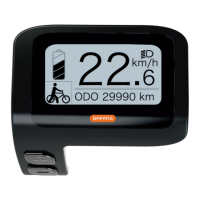
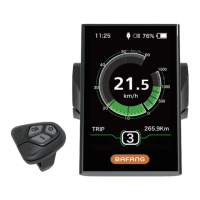
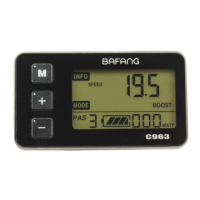
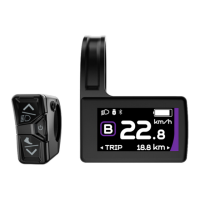
Outlines the display's features and capabilities.
Explains the headlight indicator on the display.
Describes the USB charging status indicator.
Details the service status indicator.
Explains the Bluetooth connectivity indicator.
Describes the power assist mode indicator.
Explains the multifunction indicator on the display.
Describes the battery level indicator.
Explains the real-time speed display.
Instructions for turning the HMI on and off.
How to select different power assist levels.
How to cycle through various display information.
How to control headlights and backlight brightness.
Instructions for activating and using walk assistance.
Explains how battery percentage is displayed.
Details the USB device charging capability.
Information about Bluetooth connectivity and app pairing.
How to enter and navigate the main settings menu.
Setting display units between kilometers and miles.
Configuring the automatic shutdown timer.
Adjusting the display's backlight brightness levels.
Setting the automatic light sensor sensitivity.
Resetting the single-trip distance data.
Enabling or disabling the service reminder indicator.
Accessing system information and data.
Viewing the configured wheel size.
Viewing the set speed limit.
Accessing detailed battery information.
Viewing hardware and software versions of the display.
Accessing controller hardware and software information.
Viewing sensor-related hardware and software information.


 To Next Page
 General