USB to Serial Adapter User’s Manual 18
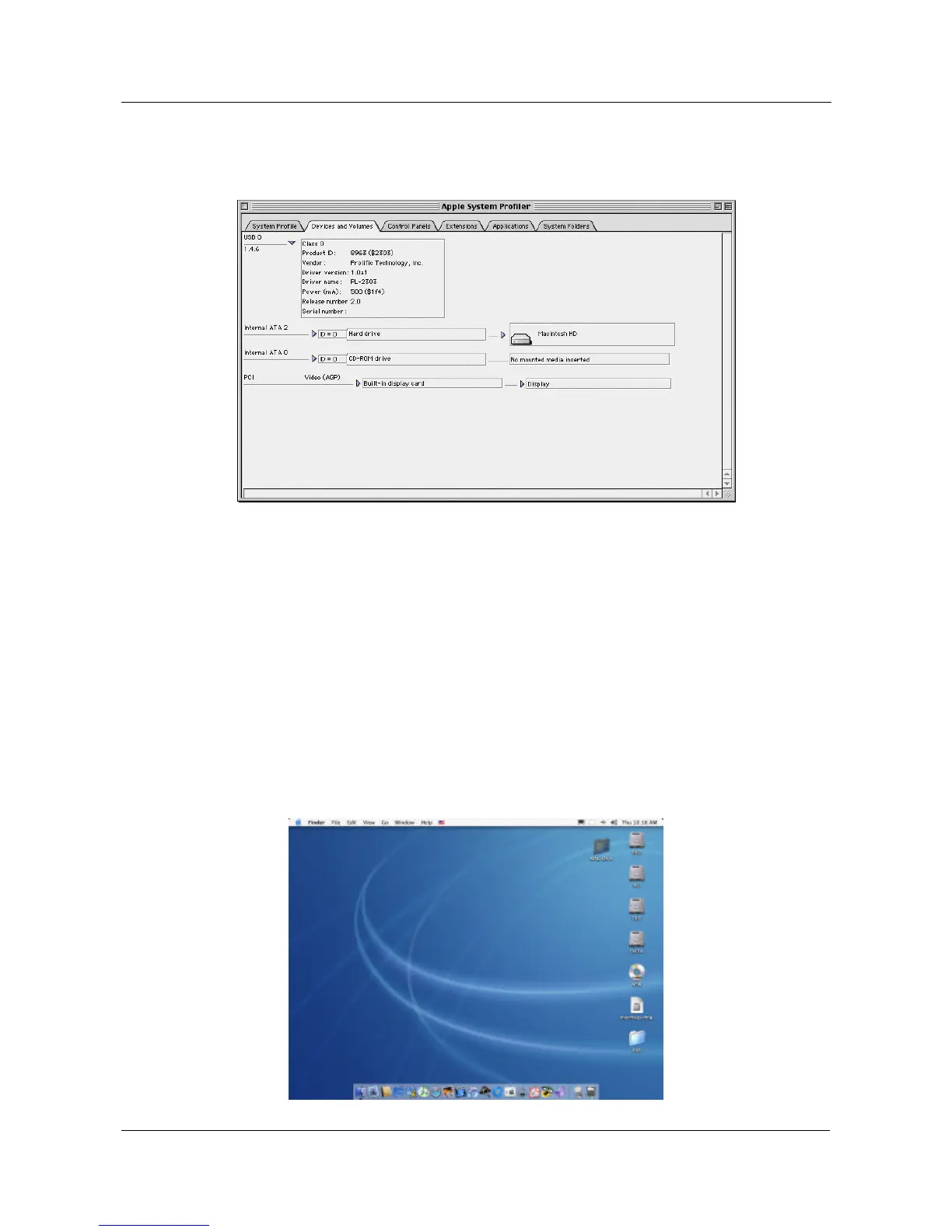
5.9.5 To make sure that your computer can use the device correctly, you
have to check the “Apple System Profiler”-“Device and Volumes”.
It will show the USB Device
5.10 MAC OS 9 Driver Un-Installation
If you want to remove the USB-Serial adapter driver, you can uninstall it by following
the steps below:
5.10.1 Unplug the USB-Serial adapter from your MAC machine.
5.10.2 Remove the “PL-2303G” into the trash and then reboot your MAC
machine.
5.11 MAC OS X Driver Installation
5.11.1 Put the driver CD into the CD-ROM drive and copy the
“D\DRIVER\MAC\MAC OS X” folder to the desktop.


 To Next Page