16
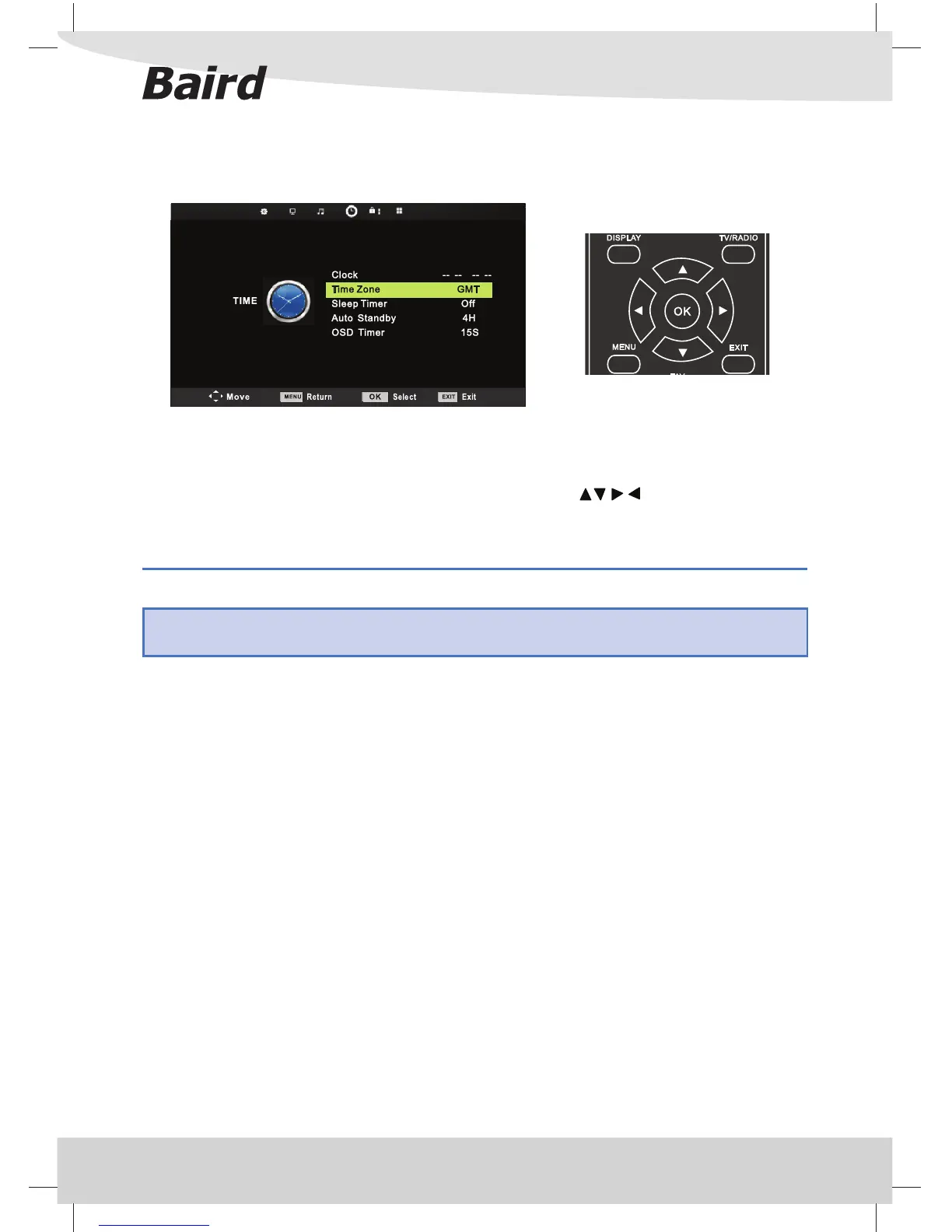
TIME MENU
TV Menu Operation
To access this menu, press [MENU] button on the remote control. To enter a menu press [OK]
If you wish to make changes to any of the default settings, use the scroll
buttons. To con rm any
settings press [OK] button.
To exit this menu at anytime, press [EXIT] button.
Clock - Set the date and time
Time Zone - Change your current time zone
Sleep Timer - Lets you set the sleep timer so the television automatically switches o after a set amount of time.
O -> 10min -> 20min -> 30min -> 60min -> 90min -> 120min -> 180min -> 240min
Auto standby - Toggle the Function between OFF, 3, 4 or 5 hours
OSD Timer - Toggle the Function between 5s, 10s, 15s, 20s, 25s, 30s.
Tip: If you are receiving a Digital TV signal your date and time will be set automatically and this function will
be greyed out.



 To Next Page