20
PC Operation
PC SETTINGS
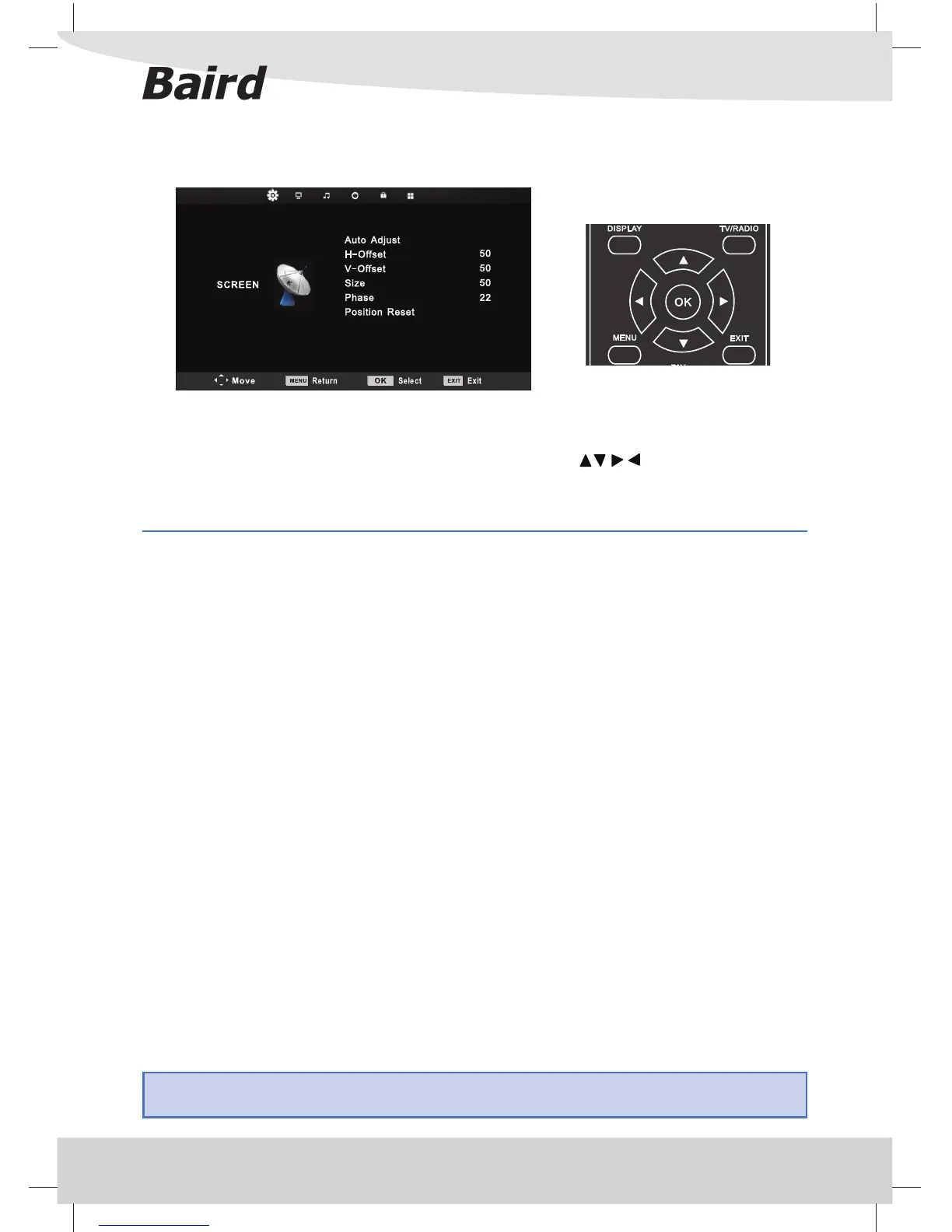
To access this menu, press [MENU] button on the remote control. To enter a menu press [OK]
If you wish to make changes to any of the default settings, use the scroll buttons. To con rm any
settings press [OK] button.
To exit this menu at anytime, press [EXIT] button.
Auto Adjust - Lets you automatically con gure the television to be used as a computer monitor. It is
recommended that you use this feature rst as in most cases it will correctly align the picture.
H O set - Changes the horizontal position of the picture
V O set - Changes the vertical position of the picture
Size - increase picture size
Phase - To adjust delay time of phase in order to reduce the noise of picture
Position Reset - Changes back to the original settings
Tip: If the computer is left in-active for a period of time, the television will switch into a ‘sleep’ state (the
screen will power o to save power). To switch back on press the standby button.



 To Next Page