17
TV Menu Operation
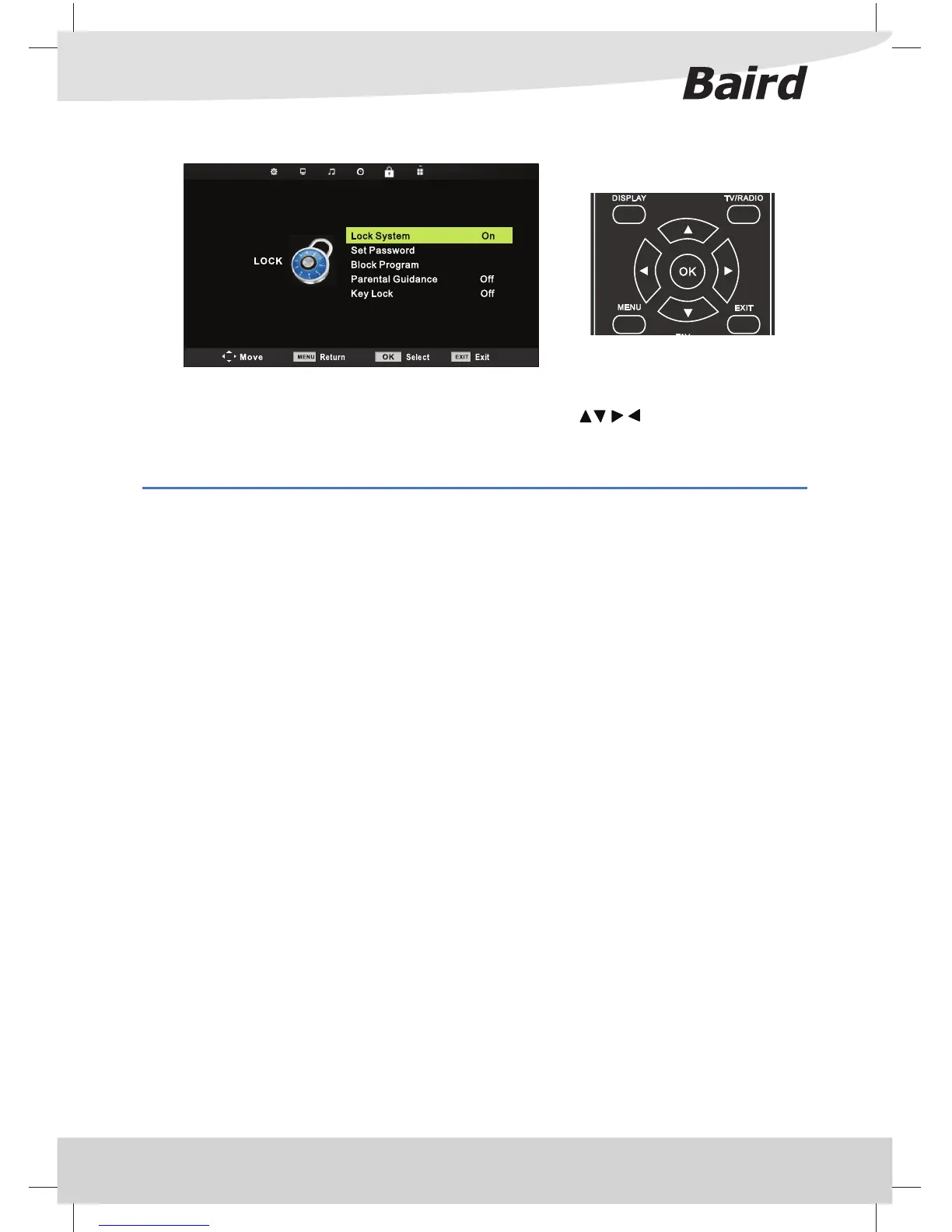
LOCK MENU
To access this menu, press [MENU] button on the remote control. To enter a menu press [OK]
If you wish to make changes to any of the default settings, use the scroll buttons. To con rm any
settings press [OK] button.
To exit this menu at anytime, press [EXIT] button.
Lock System - Allows you to Lock System (Default Password is ‘0000‘.)
Set Password - Allows you to change Password
Block Program - Allows you to sellect the program you want to lock. Then press green button on your remote
control. (To unlock program, input the password you set.))
Parental Guidance - Allows you to change O , 4-18
Key Lock - Allows you to change On, O



 To Next Page