23
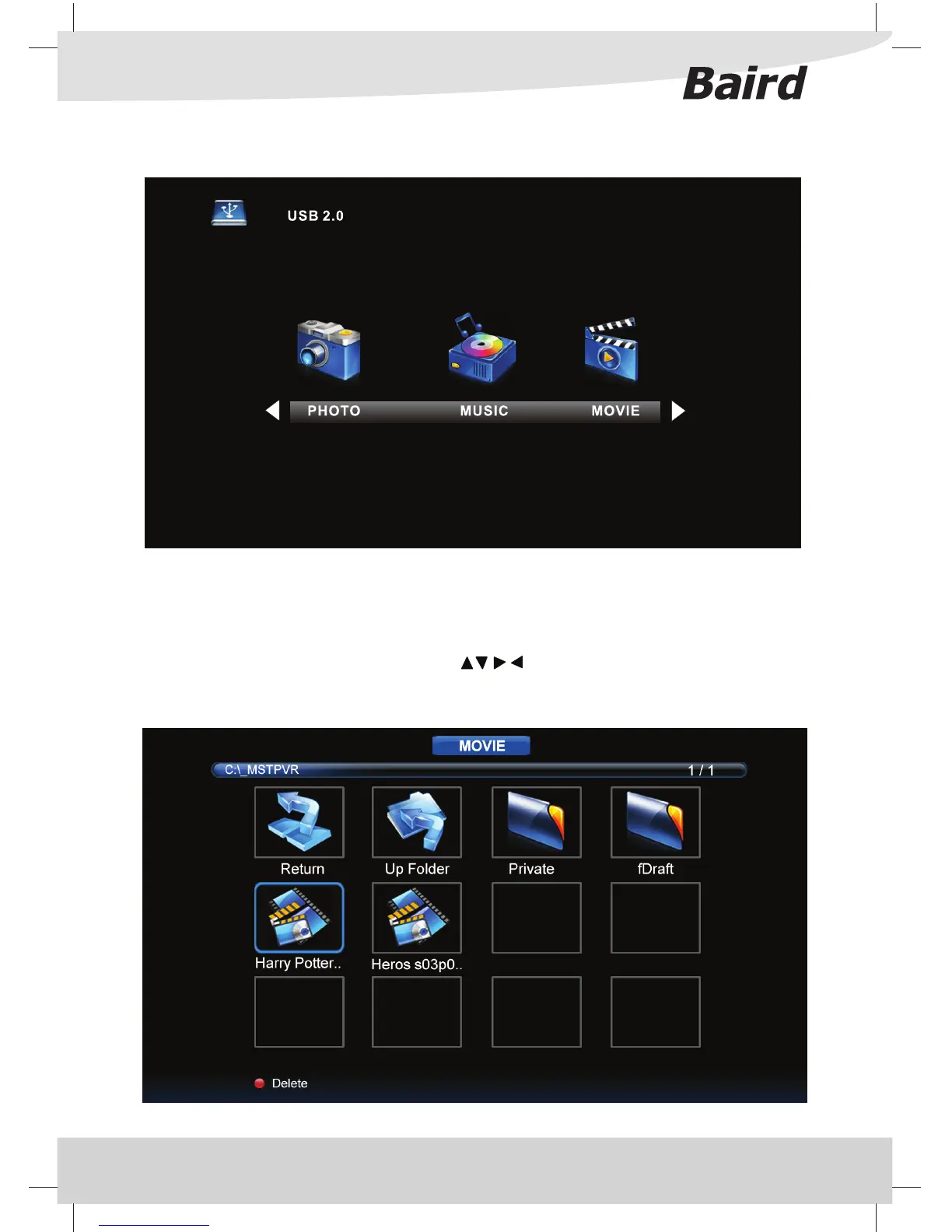
USB MODE / MEDIA PLAYER
USB mode o ers playback of various di erent types of content that you have saved on your USB Memory Stick.
On switching to the USB source the above menu screen will appear. The content will be divided into Photo,
Music, Movie and Text based on le type.
You can navigate through the menus using the scroll
buttons. To con rm the item you wish to play/
view press the [OK] button.
USB Mode / Media Player



 To Next Page