EasyManua.ls Logo

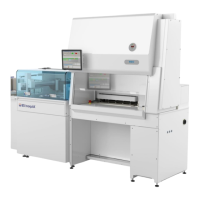
Baker BDINQ400 - Attachment of the BDINQ400; Step 1: Secure Cabinet to Left Side; Step 2: Secure Cabinet to Right Side; Step 3: Attach Rear Wall to Shifter Module

Default Icon
15 pages
Print Icon
To Next Page IconTo Next Page
To Previous Page IconTo Previous Page
Loading...
398D003 Rev C 12 of 15
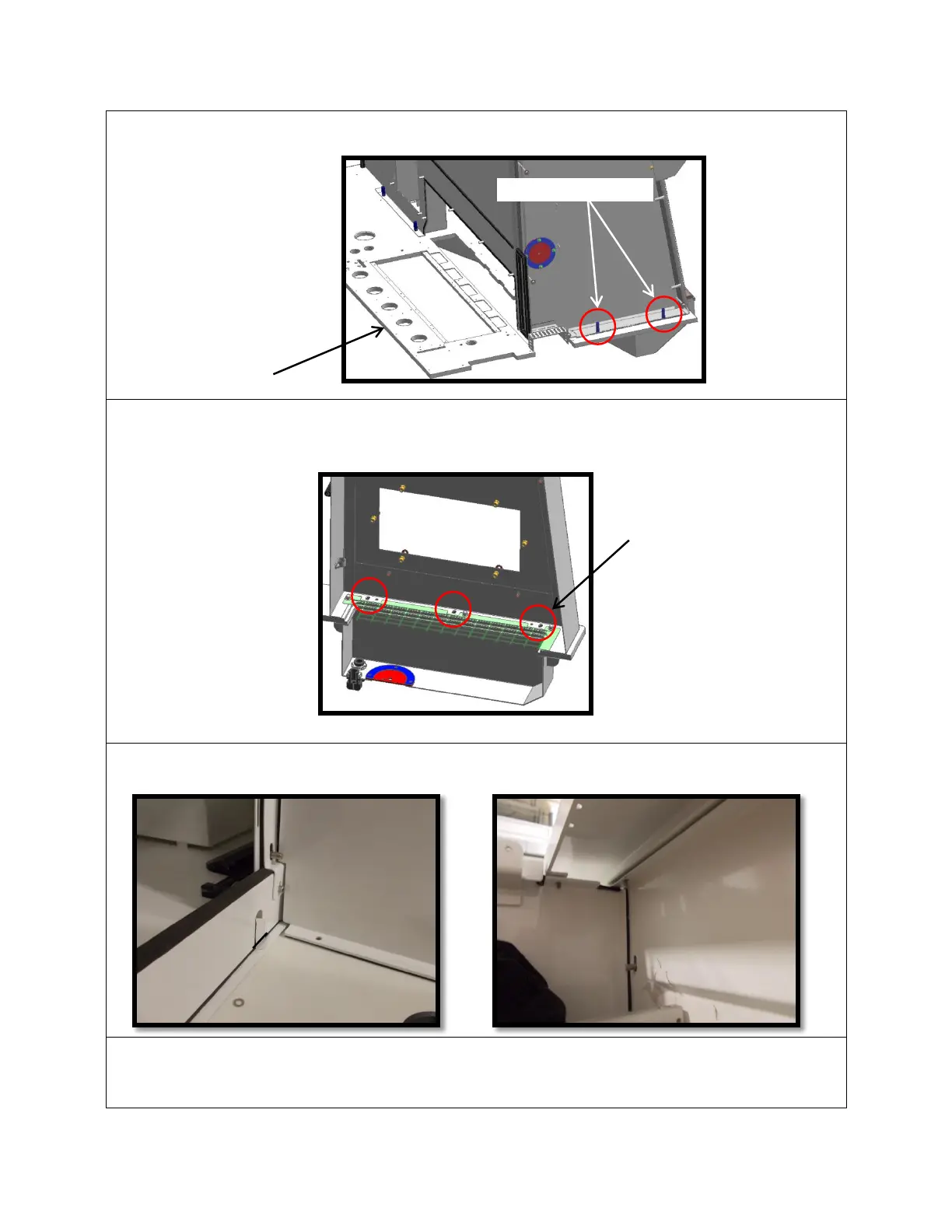
V ATTACHMENT OF THE BDINQ400
Step 1: Insert (2) M6 x 30 mounting screws on left side of the cabinet from underneath
the SA chassis table top.
Step 2: Insert three (3) M6 x 30 mounting screws in the slots located in right side plenum.
Step 3: Attach all M6 mounting hardware for cabinet rear wall to shifter module. Tighten all
hardware including mounting screws between cabinet and SA chassis table top.
Step 4: Remove front fixture bracket from cabinet
Mounting locations
Table top
Mounting locations

Related product manuals