Installing the VLINX ESP Software
Manual Documentation Number: ESP901-902_5012m Chapter 3 19
B&B Electronics Mfg Co Inc – 707 Dayton Rd - PO Box 1040 - Ottawa IL 61350 - Ph 815-433-5100 - Fax 815-433-5104 – www.bb-elec.com
B&B Electronics Ltd – Westlink Commercial Pk – Oranmore, Galway, Ireland – Ph +353 91-792444 – Fax +353 91-792445 – www.bb-europe.com
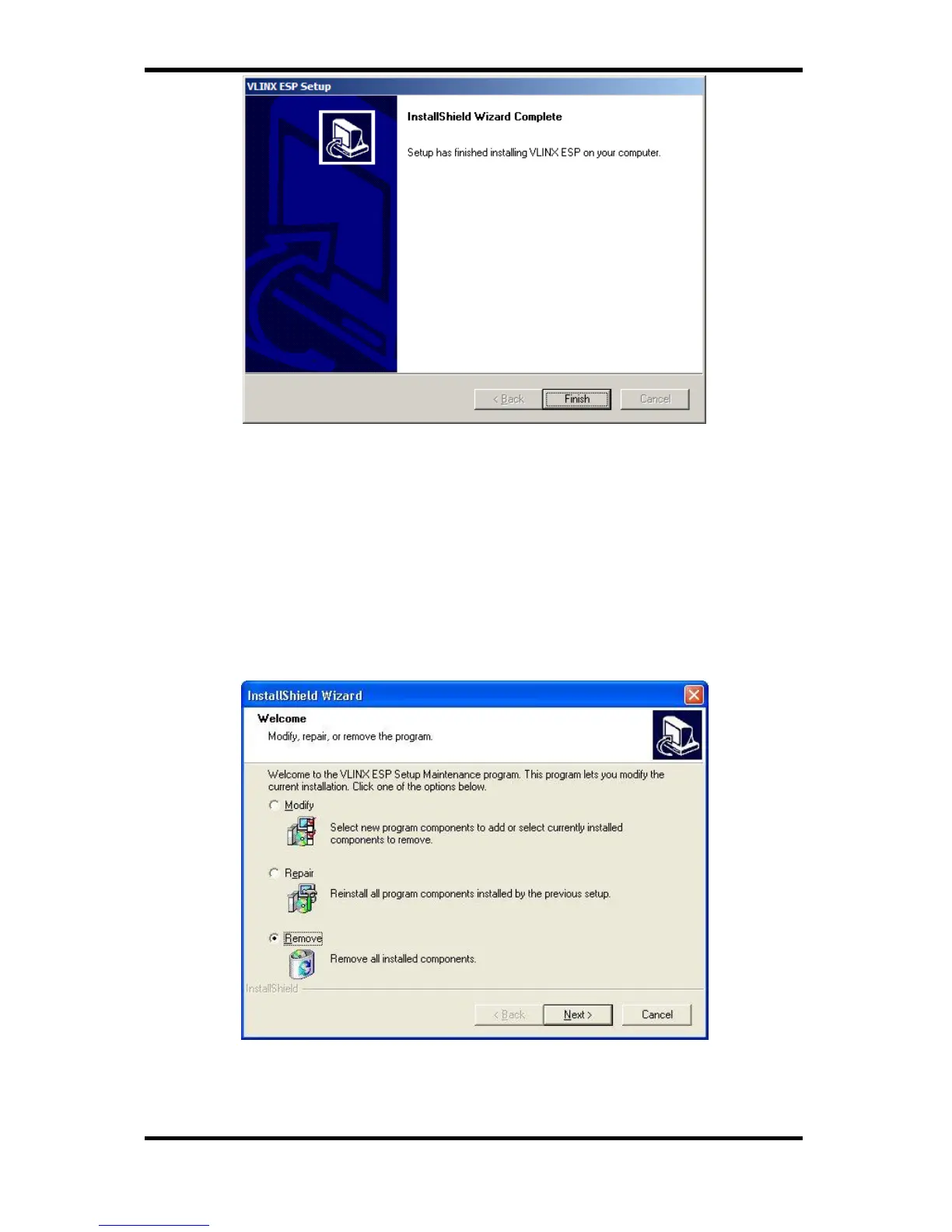
Figure 16. The Install Shield Wizard Complete Window
Step 4: Click Finish when the Install Shield Wizard Complete
dialogue appears. When finished, dialogue box will close.
Updating an Existing Installation
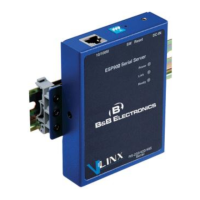
If an older version of the ESP Manager software is already installed,
the Modify, repair or remove the program window will appear when
the installation process is initiated:
Figure 17. The InstallShield Wizard Modify, Repair or Remove Screen


 To Next Page