EasyManua.ls Logo

Baofeng UV82 - Command and Key Definitions; PTT-A and PTT-B Transmission; Side Key Functions (F;M); Radio Copying Functionality

Baofeng UV82
17 pages
Print Icon
To Next Page IconTo Next Page
To Previous Page IconTo Previous Page
Loading...
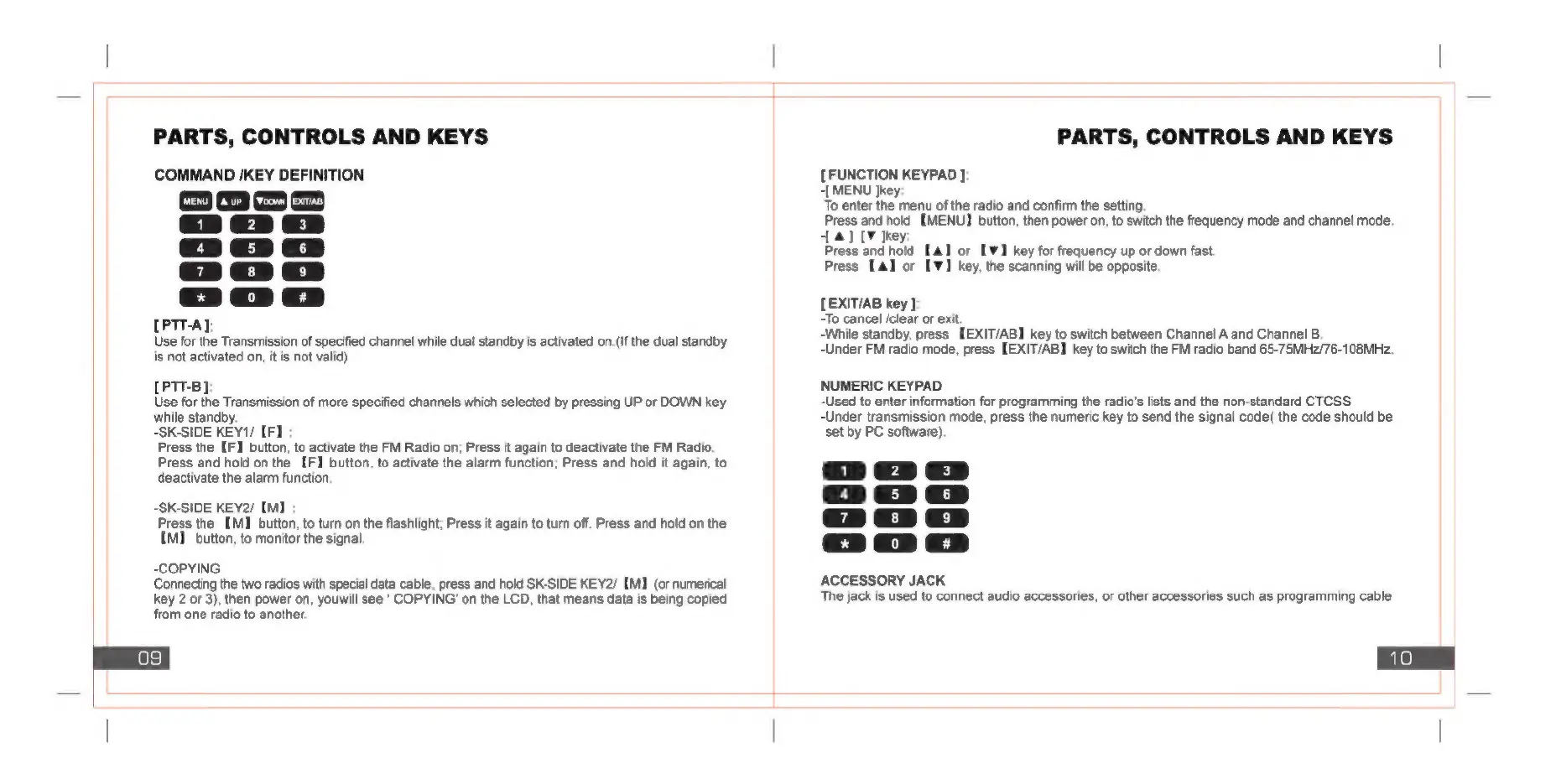
PARTS,
CONTROLS
AND
KEYS
COMMAND
/KEY
DEFINITION
Prono
Prorforne
[PTT-A]
Use
for
the
Transmission
of
specified
channel
while
dual
standby
is
activated
on.(If
the
dual
standby
is
not
activated
on,
it
is
not
valid)
[PTT-B]:
Use
for
the
Transmission
of
more
specified
channels
which
selected
by
pressing
UP
or
DOWN
key
while
standby.
-SK-SIDE
KEY1/
[F]
:
Press
the
[F]
button,
to
activate
the
FM
Radio
on;
Press
it
again
to
deactivate
the
FM
Radio.
Press
and
hold
on
the
[F]
button,
to
activate
the
alarm
function;
Press
and
hold
it
again,
to
deactivate
the
alarm
function:
-SK-SIDE
KEY2/
[M]
Press
the
[MJ
button,
to
turn
on
the
flashlight;
Press
it
again
to
tun
off.
Press
and
hold
on
the
IM]
button,
to
monitor
the
signal.
-COPYING
Connecting
the
two
radios
with
special
data
cable,
press
and
hold
SK-SIDE
KEY2/
[MJ
(or
numerical
key
2
or
3),
then
power
on,
youwill
see
'
COPYING’
on
the
LCD,
that
means
data
is
being
copied
from
one
radio
to
another.
PARTS,
CONTROLS
AND
KEYS
[FUNCTION
KEYPAD
]:
-[
MENU
Jkey:
To
enter
the
menu
of
the
radio
and
confirm
the
setting.
Press
and
hold
[MENU]
button,
then
power
on,
to
switch
the
frequency
mode
and
channel
mode.
14]
]key:
Press
and
hold
[4]
or
[1
key
for
frequency
up
or
down
fast.
Press
[a]
or
[W]
key,
the
scanning
will
be
opposite.
LEXITIAB
key
}
-To
cancel
/clear
or
exit.
-While
standby,
press
[EXIT/AB]
key
to
switch
between
Channel
A
and
Channel
B.
-Under
FM
radio
mode,
press
[EXIT/AB]
key
to
switch
the
FM
radio
band
65-75MHz/76-108MHz.
NUMERIC
KEYPAD
-Used
to
enter
information
for
programming
the
radio's
lists
and
the
non-standard
CTCSS
-Under
transmission
mode,
press
the
numeric
key
to
send
the
signal
code(
the
code
should
be
set
by
PC
software).
ep
[aan]
ACCESSORY
JACK
The
jack
is
used
to
connect
audio
accessories,
or
other
accessories
such
as
programming
cable

Related product manuals