Manual 2100-685
Page 4 of 18
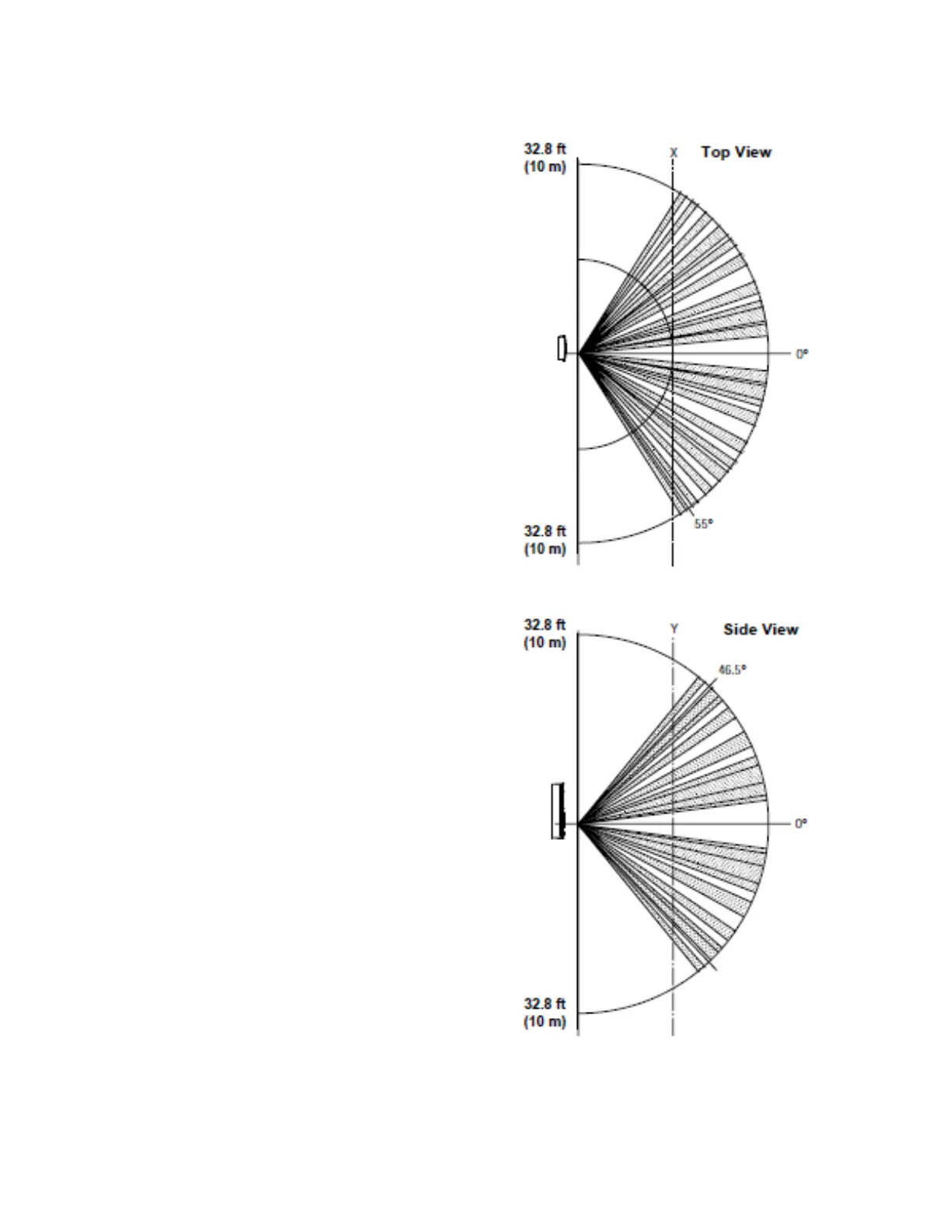
FIGURE 3
Motion/Occupancy Sensor Detection Range
• ROTATION VALUES – Choose to HIDE or
SHOW:
HUM (SHOW*)
OAT (HIDE*)
U13 (SHOW*) – Non-CO
2
sensing models
C02 (SHOW*) – CO
2
sensing models
UI4 (HIDE*)
• SHOW TEMP TENTHS – Choose YES (allows
decimal temperature measurement) or NO*
• SHOW TIME & DATE – YES*/NO
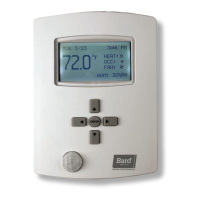
• MODE – Choose between user interfaces:
o STANDARD* – User has all access, but
may need security code for certain areas.
o HOSPITALITY – User has simpler display,
limited menu. Mostly used in hotel rooms.
o LOCKED UI – User cannot access or
change ANY item within controller.
NOTE: Do not activate HOSPITALITY or
LOCKING UI until controller is completely
programmed. Deactivation is intentionally
difficult (see Security Settings on page 13).
9. Press ENTER button to save changes.
10. Press LEFT button to return to the Home screen.


 To Next Page