www.barska.com www.barska.com
4 5
Biometric Safe Biometric Safe
B
F
C
D
H
E
A
U
n
l
o
c
k
L
o
c
k
G
H
I
H
N
H
O
P
H
Q
J
M
L
K
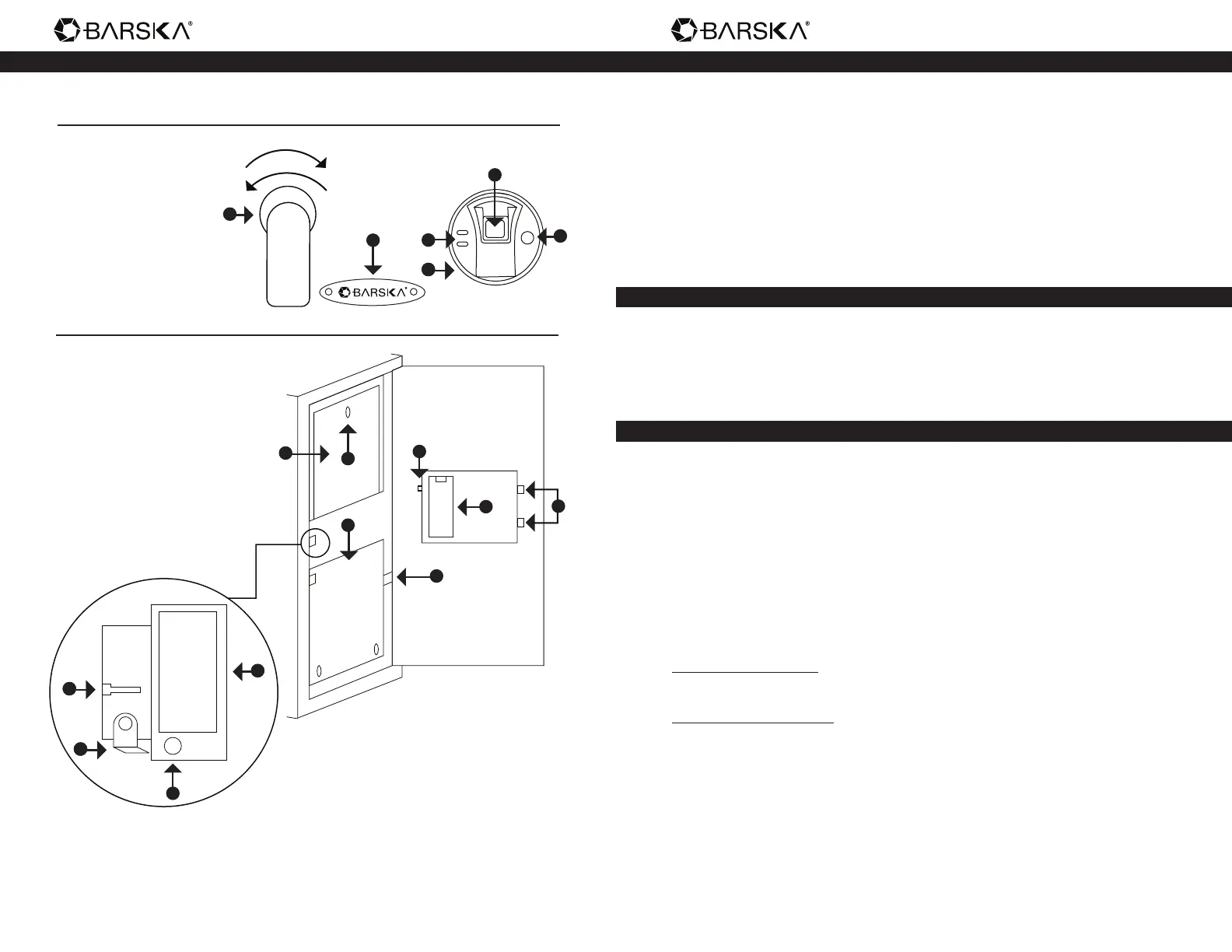
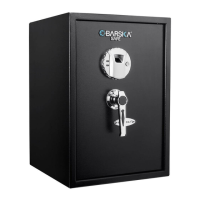
Exterior
A. Handle
B. Logo Plate and
Emergency Key Access
C. Fingerprint Scanner
D. Indicator Lights
E. External Battery Access
F. Wake-Up Button
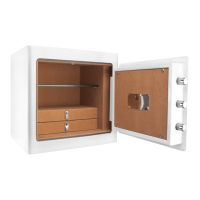
Interior
G. Initialization Button
H. Battery Compartment
I. Bolts
J. Interior Compartment
K. Interior Lock
L. Fold-Down Shelf
M. Removable Shelf
N. Interior Light Button
O. Fold-Down Shelf Holder
P. Interior Light
Q. Interior Light Battery
Compartment
Parts of the Safe Getting Started
1. Remove Emergency Keys from accessory package
2. To expose the Emergency Key Access (B), remove Logo Plate (B) screws
with provided tool
3. Check lock number and nd correct emergency key, insert into key access,
push and turn counter-clockwise
4. Turn Handle (A) clockwise to open the safe
5. Continue with INSTALL BATTERIES
Install Batteries
1. Remove Battery Compartment (H) cover
2. Insert 4 AA batteries and restore Battery Compartment (H) cover
3. Continue with FINGERPRINT REGISTRATION
Fingerprint Registration
IMPORTANT: The safe is in Factory Default mode, ANY ngerprint(s) can open
the safe
1. With the safe door open, press and release Initialization Button (G)
2. Immediately place a nger on the Fingerprint Scanner (C)
- Hold nger still
- 1 beep will be heard recognizing the ngerprint; followed by 2
consecutive beeps
- Remove nger
- Registration is complete
Successful Registration
Registration is successful when a total of 3 beeps are heard
Unsuccessful Registration
2 short beeps will be heard; repeat registration process again
3. To register another ngerprint - repeat steps 1 – 2
4. Continue with TEST (NON) REGISTERED FINGERPRINTS


 To Next Page