Update Guide 08. Juni 2016 Seite 2 von 12
Software Update
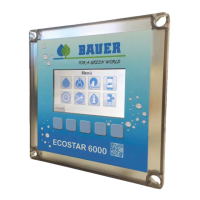
Bauer GmbH provides several updates for the Ecostar6000 to improve the functions of the system.
The latest software versions are available on the Bauer – homepage.
There are two possibilities to update the Ecostar. The following steps describes how to make a
successful update.
Possibility 1
Step1: Preparing the USB stick
Download the actual version from the homepage e.g. “Ecostar 6000 VXX.XX.zip”. Unpack this file and
copy the four files on an empty USB stick:
Bios.inf
Ecostar.bin
EEPROM.BAK
SPIFLASH.BAK
Figure 1 - Update Files


 To Next Page