Update Guide 08. Juni 2016 Seite 4 von 12
Step 4: Plug in the power supply
After connecting the power supply the Ecostar6000 checks if there is an USB stick connected. If the
USB stick is recognized, a special update melody comes up and the controller starts to update the
software. During the update the display is black but at the back there should flushing three led’s.
Figure 4 - LED's flushing
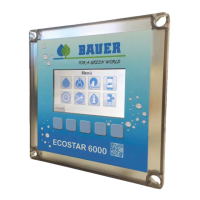
The update is ready when the homescreen is shown on the display.
Figure 5 - homescreen
Step 5: Remove USB stick / power reset
Remove the USB stick and plug off and on the power supply to make a reset.
Step6: Check the software version
Check if the correct version is installed. This information is available at “Menu” -> “Service / Info” ->
“Info”.
Figure 6 - installed SW version
The shown software version could be higher.


 To Next Page