– 12 –
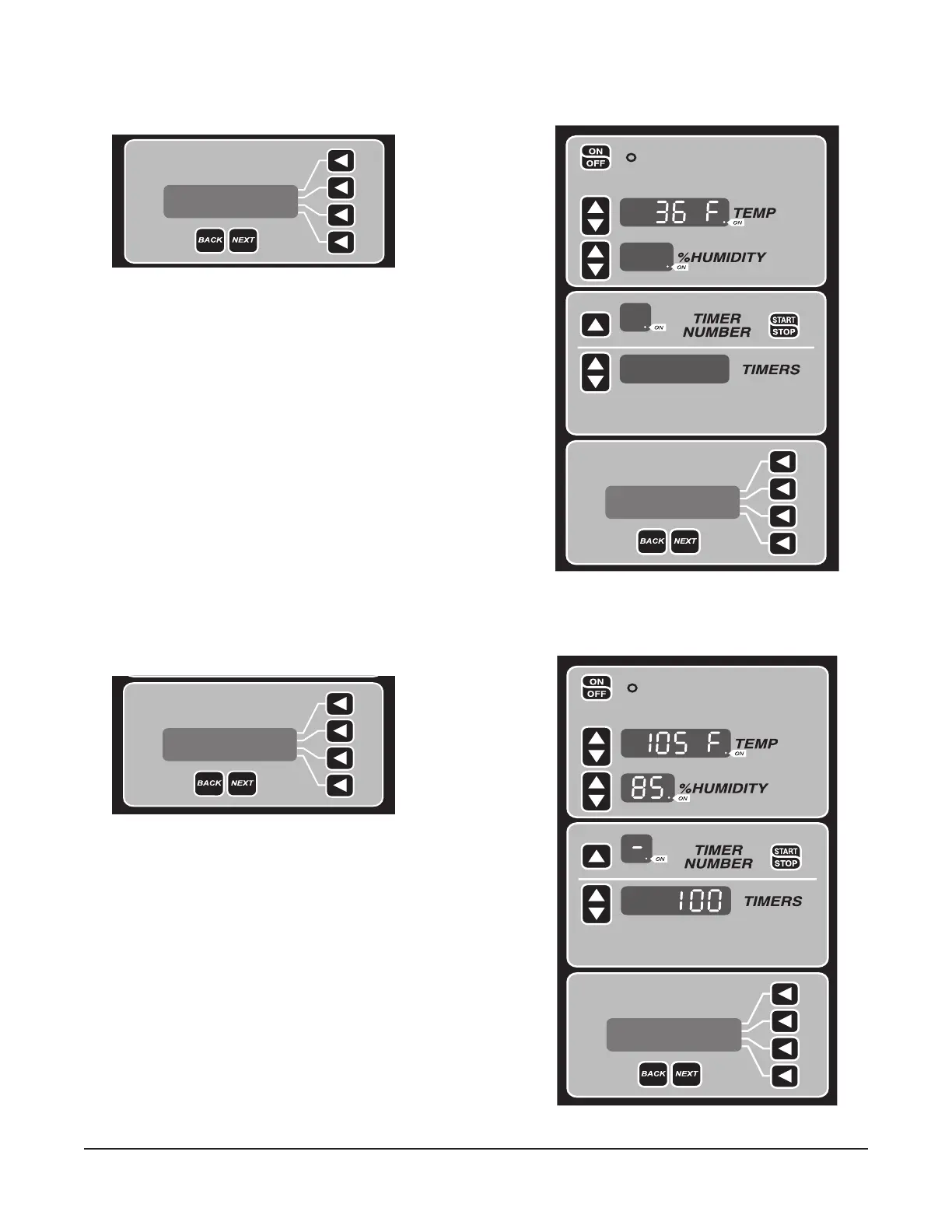
Follow the LCD instructions to setup the Retard temperature. Press the Up or Down arrow button to select
desired temperature (Fig. 14 and Fig. 15).
[EXIT] [NEXT]
See ABOVE for
RETARDING SET TEMP
Sunday Program
See ABOVE for
RETARDING SET TEMP
Sunday Program
[EXIT] [NEXT]
After entering the Retard temperature, press NEXT button or arrow button to go to the Proof setup as
shown in Fig. 16 and Fig. 17.
[EXIT] [NEXT]
See ABOVE for
PROOFING SETTINGS
Sunday Program
Operator can enter desired temperature, humidity, and timer
to end proof operation. This is the end of Retard and Proof
cycle (for one day).
See ABOVE for
PROOFING SETTING
Sunday Program
[EXIT] [NEXT]
Fig. 14
Fig. 15
Fig. 17
Fig. 16


 To Next Page