– 9 –
Retard
• Press the "RETARDER" operation arrow button (Fig. 2).
• Enter the desired temperature (34°F - 50°F) by pressing up or down arrow button.
• Enter the desired time for timer. (If it is timed out, beeper is pulsed and timer number ashes.)
NOTE: Retard operation does not oer humidity control. A xed humidity value is used for this
operation.
NOTE: Defrost cycle can be set by entering the Parameter Setup Mode. See chart for default value. During
defrost cycle active, the LCD ashes "DEFR" at the bottom left corner.
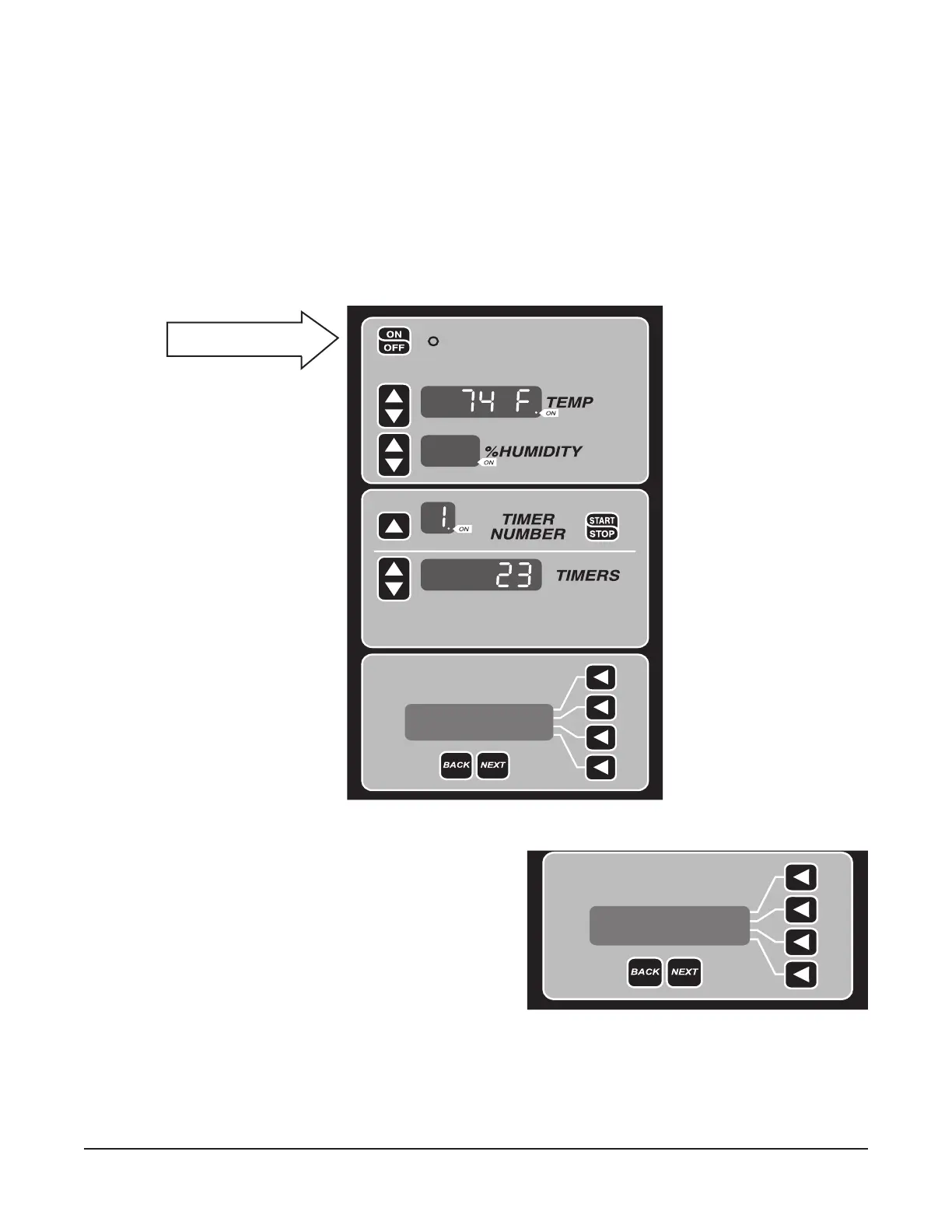
Enter the desired timer and press timer START/
STOP button. The LCD displays message
"RETARDER TIMINGoooo" to indicate the retard
operation is running with timer (Fig. 5 and Fig. 6).
To stop the retard timer, press timer START/STOP
button. To stop the retard operation, press "CHANGE
MODE" arrow button or ON/OFF button.
LED is on indicating the
unit is running.
Fig. 6
Fig. 5
RETARDER TIMINGoooo
Press STOP to End.
CHANGE MODE >
10:49am Friday
RETARDER TIMINGoooo
Press STOP to End.
CHANGE MODE >
10:49am Friday


 To Next Page