EasyManua.ls Logo

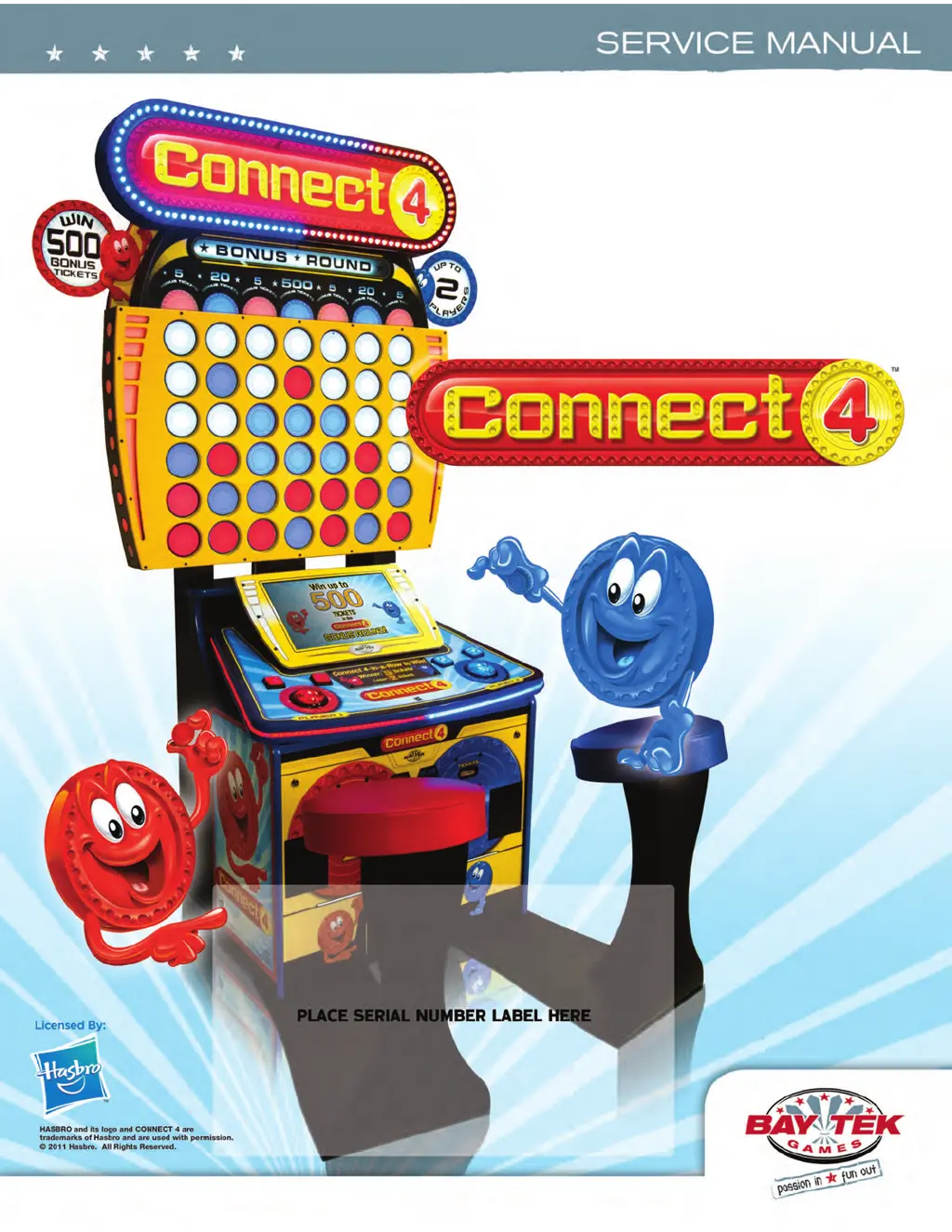
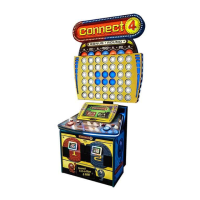
Bay Tek Games Connect 4 - User Manual

Bay Tek Games Connect 4
39 pages
Print Icon
To Next Page IconTo Next Page
Loading...
1

Questions and Answers

  • C
    Cameron MendezAug 15, 2025
    What to do if the dollar bill acceptor is not functioning on my Bay Tek Games Connect 4?
    • C
      connorwhiteAug 16, 2025
      If the dollar bill acceptor on your Bay Tek Games Arcade Game Machine isn't working, start by ensuring the acceptor has 110 Volts AC and cycles the stacker upon game power-up. If it doesn't, check the cable connections to the power strip. Clean the acceptor with a bill reader cleaning card (A5CC9000). Also, verify that the dip switches on the side of the acceptor are set to “always enable”. Check the wiring from the bill acceptor to the main board, repairing or replacing the wiring harness (AACE4626, AACE4627, AAACE4602) if necessary.
  • C
    Cassandra EstradaAug 22, 2025
    Why is my Bay Tek Games Connect 4 Arcade Game Machines dispensing the wrong number of tickets?
    • S
      sarahjonesAug 22, 2025
      If your Bay Tek Games Arcade Game Machine is dispensing the wrong number of tickets, first enter the menu and cycle to the Game Menu to verify the correct settings for Ticket Patterns, Jackpot Value, and Double Ticket Value. Clean the opto-sensor with compressed air or wipe it with isopropyl alcohol on a cotton swab. Turn the game off, wait 10 seconds, and turn it back on. Flip the tickets and load them upside-down to have a large cut notch toward the opto sensor. If the issue persists, replace the dispenser with a spare working dispenser (A5TD1). You can also swap the cable from one output on the main board to the other to verify if it's a cable/dispenser problem or a faulty main board (AANEWGEN1-PJ).
  • E
    elizabeth20Aug 25, 2025
    How to fix no audio on Bay Tek Games Connect 4?
    • A
      Alexander SmithAug 25, 2025
      If there is no audio on your Bay Tek Games Arcade Game Machine, first increase the volume by pressing the Menu button, scrolling to “Game Volume,” and adjusting it. Check the audio cable connections from the motherboard to the main board and speakers. Verify the audio cable connections from the speaker (AACE8811), cable (AACE4604), main circuit board (AANEWGEN1-PJ), cable (A5CEAU010), and motherboard (AAMB7). If the issue persists, replace the Main Board (AANEWGEN1-PJ), as it amplifies sound from the motherboard, or replace the Motherboard (AAMB7), which creates the sound. To test for sound amplification, remove the cable from the motherboard to the MP3 player; if the MP3 player works, then the motherboard is faulty.
  • M
    Matthew HodgeAug 28, 2025
    What to do if the monitor is not working on Bay Tek Games Arcade Game Machines?
    • N
      nhenryAug 28, 2025
      If the monitor on your Bay Tek Games Arcade Game Machine isn't working, first re-seat the flash drive and try powering on the game again. If that doesn't work, insert the USB stick into a different slot on the motherboard. As a next step, replace the USB software stick. If the problem persists, replace the motherboard (AAMB7).
  • R
    Ray HallAug 31, 2025
    Why AC Light and Bill Acceptor are on, but everything else off on Bay Tek Games Connect 4?
    • C
      Catherine EsparzaAug 31, 2025
      If the AC Light and Bill Acceptor are on but everything else is off on your Bay Tek Games Arcade Game Machine, ensure the unit is plugged into the power strip and that the rocker switch on the power supply is set to ON. If the issue continues, the power supply may be shutting down due to a 12V overload or could be faulty. See the power supply diagnostics to isolate the bad component. A bad motor or 12 volt short could cause this. Refer to the Monitor/Motherboard Power Supply Diagnostics section.
  • M
    Martin MonroeSep 2, 2025
    What to do if the menu buttons do not work on Bay Tek Games Connect 4?
    • J
      Jill OneillSep 3, 2025
      If the menu buttons on your Bay Tek Games Arcade Game Machine do not work, inspect the pushbuttons to ensure they are not stuck. Check the continuity on the connector and the cable from the pushbutton to the main board (AAPB2700 & AACE4608). If necessary, replace the pushbutton (AAPB2700).
  • G
    Gary BentleySep 5, 2025
    How to troubleshoot no power to Bay Tek Games Connect 4?
    • L
      Laurie HughesSep 5, 2025
      To troubleshoot a Bay Tek Games Arcade Game Machine with no power, check the wall outlet and the power cord connection to the back of the game (A5CORD5). Inspect the Line Filter (A5FI9010). Reset the power strip breaker switch or building circuit breaker. Remove the back wood panel, change the plug position, and replace if needed. Refer to the AC Power to Game Section.
  • T
    thomasjaredSep 8, 2025
    Why lights under player stations do not light up on Bay Tek Games Connect 4 Arcade Game Machines?
    • K
      Karen JacksonSep 8, 2025
      If the lights under the player stations on your Bay Tek Games Arcade Game Machine do not light up, remove the plastic cover and examine the LED strip. Check the cables from the LED strips to the main board (AACE4620, AACE4621, AACE4608). If necessary, replace the main board (AANEWGEN-PJ).
  • K
    Kelly JonesSep 12, 2025
    What to do if monitor does not come back up after a power loss on Bay Tek Games Connect 4 Arcade Game Machines?
    • S
      stephanie76Sep 12, 2025
      If the monitor on your Bay Tek Games Arcade Game Machine does not come back up after a power loss, turn off the power strip, wait 30 seconds, and then turn the power strip back on.
  • M
    Matthew WhiteNov 18, 2025
    What to do if tickets do not dispense from Bay Tek Games Connect 4?
    • L
      leahfitzpatrickNov 18, 2025
      If tickets are not dispensing from your Bay Tek Games Arcade Game Machine, follow these steps: * Fill the ticket tray and replace the low ticket switch (AASW200) if necessary. * Repair any wiring issues. * Clean the ticket tray of dirt, loose tickets, or debris. * Bend the switch wire to the correct position under the tickets. * Check wiring continuity from the dispenser to the main board (AACE4606, AACE4605, AACE4600) for pinched, broken, or disconnected wires; replace as needed. * Clean the opto-sensor with compressed air and isopropyl alcohol on a cotton swab if necessary. * Flip the tickets and load them upside down to have the large cut notch toward the opto sensor. * Replace the dispenser with a spare working dispenser (A5TD1). * As a last resort, replace the main ...

Summary

GAME SPECIFICATIONS

SAFETY PRECAUTIONS

HOW TO PLAY

QUICK SET UP (marquee installation)

GAME SETUP MENU

MOTHERBOARD PINOUT

HOW TO: REPLACE PLAYER BUTTON SWITCHES

HOW TO: UPDATE SOFTWARE

Minigen Software Load

Steps to update the minigen board software using a USB stick.

DIAGNOSTICS: Motherboard Power Supply

DIAGNOSTICS: Dollar Bill Acceptor

TROUBLESHOOTING GUIDE

TECHNICAL SUPPORT

Electronics; Circuit Boards - Repair Options

Details on different options for repairing or replacing electronic components and circuit boards.

WARRANTY

Bay Tek Games Connect 4 Specifications

General IconGeneral
BrandBay Tek Games
ModelConnect 4
CategoryArcade Game Machines
LanguageEnglish

Related product manuals